
Convert Engineering CAD into Marketing-Ready
3D Models
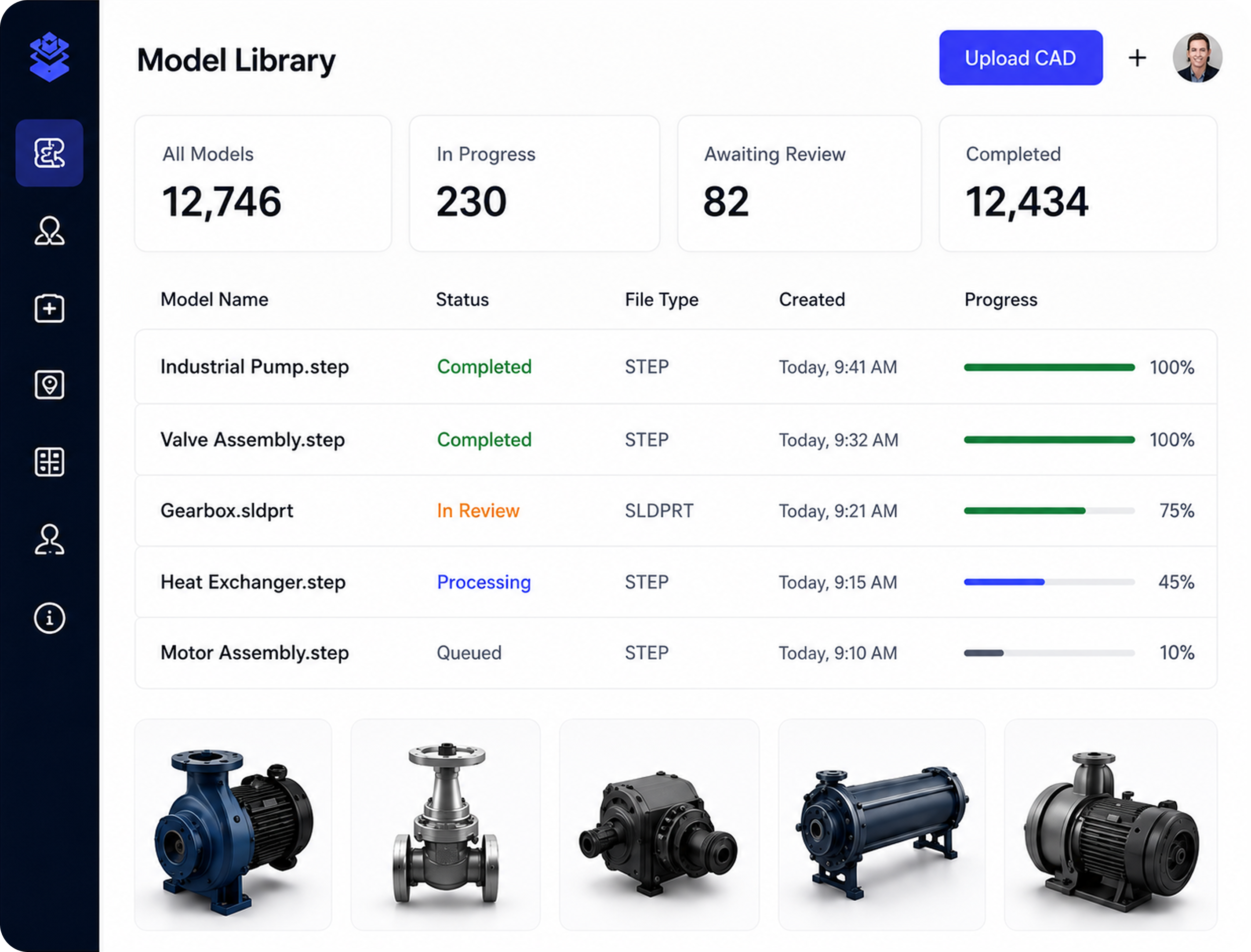
Automate the conversion of engineering CAD into lightweight, optimised, web-ready 3D models. Upload one file, process entire product catalogues in bulk or connect through an API. Every model is prepared using your company standards, reviewed by an expert and approved before it is ready for marketing.
TRUSTED BY LEADING GLOBAL MANUFACTURES
.svg)



.svg)

Engineering CAD Was
Never Designed for Marketing
Engineering models are created for design, manufacturing and technical accuracy, not for fast use across websites, campaigns, product launches or sales tools. Before marketing can use them, files usually need to be simplified, styled and prepared for entirely different channels.
.png)

Too large and complex
Detailed geometry can make engineering files slow, difficult or unsuitable for browser-based use.

Contains engineering-only data
Assemblies may include hidden components, construction detail, metadata and information that is not needed in customer-facing content.

Visually inconsistent
Raw CAD rarely includes the approved materials, textures, orientation and presentation standards required by marketing.

Manual workflows do not scale
Preparing products one at a time creates delays, repeated agency costs and a growing bottleneck as the catalogue expands.
From Engineering CAD to Marketing-Ready Assets in Six Steps
Engineering models are built for manufacturing, not for websites, brochures, product configurators or sales tools.
From Engineering CAD to Marketing-Ready Assets in 6 Simple Steps

Single, bulk, or via API
.svg)

Clean, reduce, optimize
Apply your brand library

Human review and feedback

Approve or request changes

Use across all marketing channels
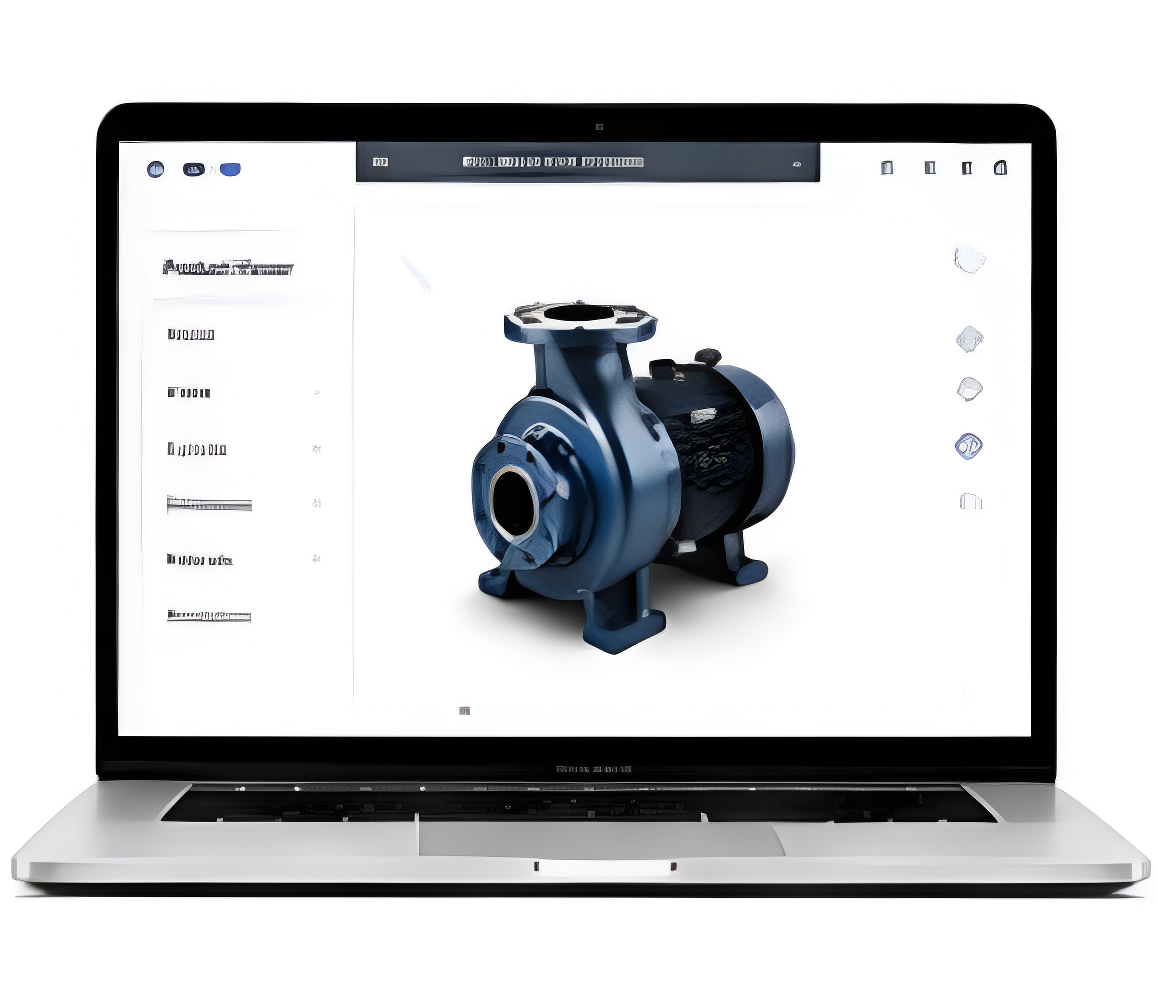
Web-Ready 3D Embeds
Lightweight models that perform anywhere.
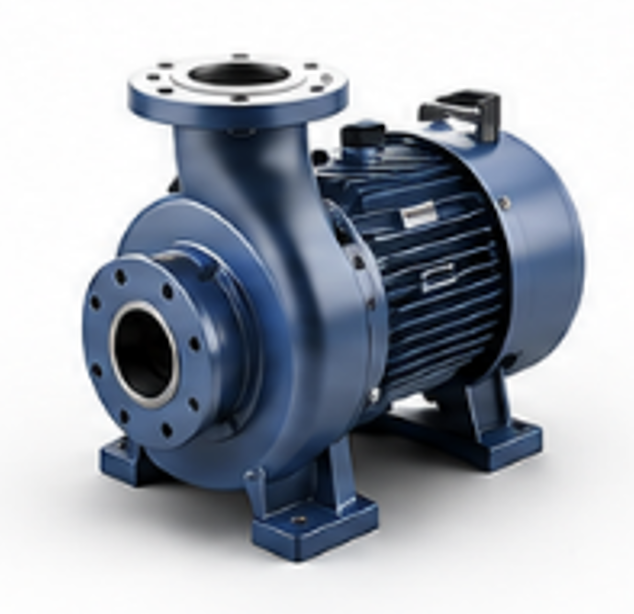
High-Quality Renders
Stunning images for catalogs, ads and sales.
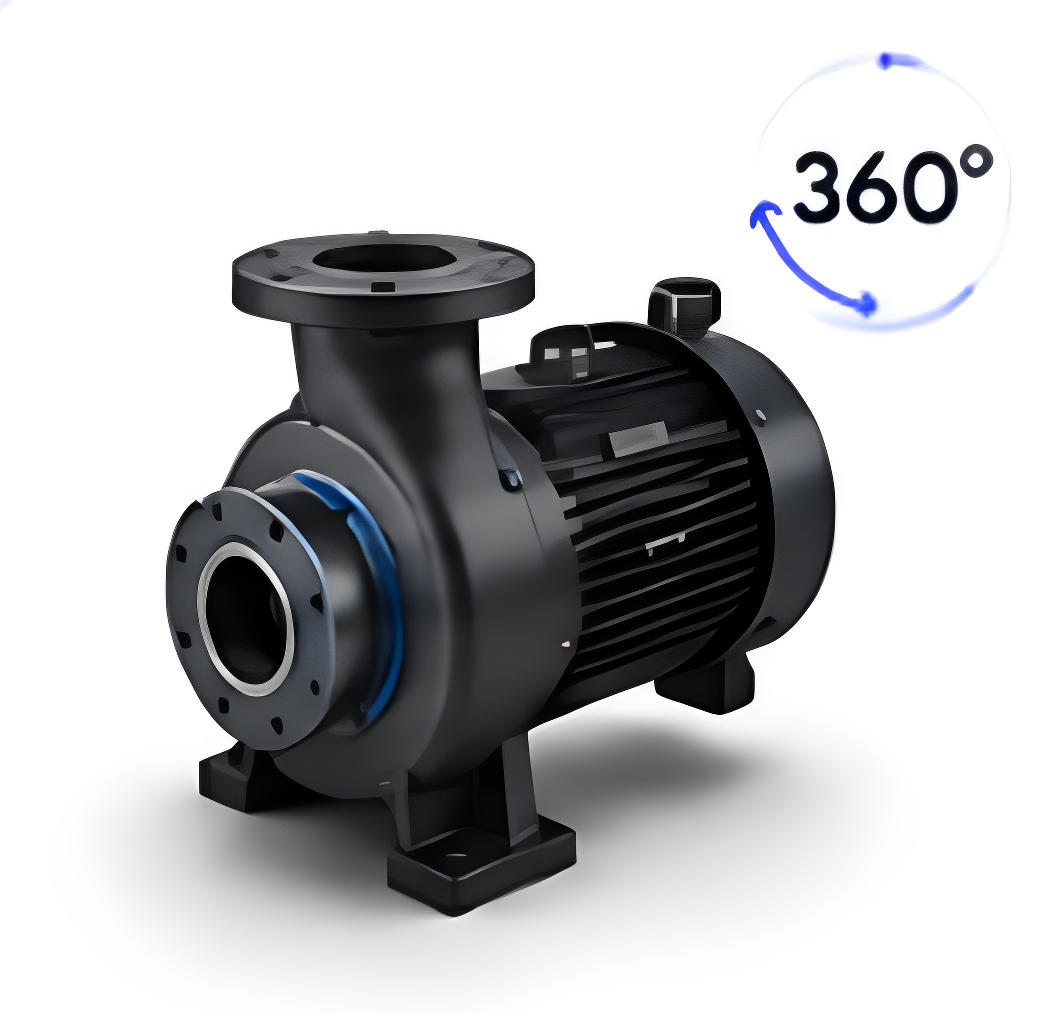
360° Product Spins
Interactive spins for websites and eCommerce.
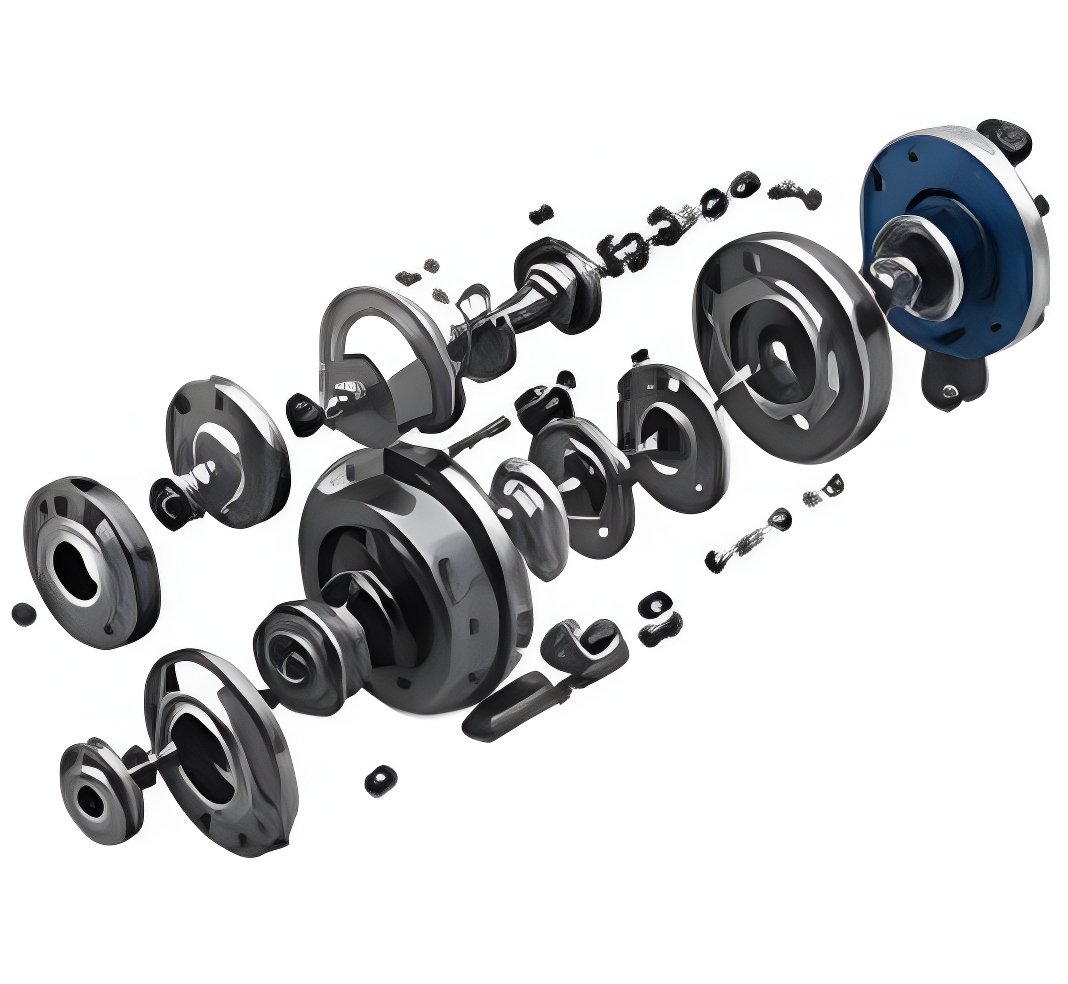
Exploded View Animations
Show how products work and fit together.
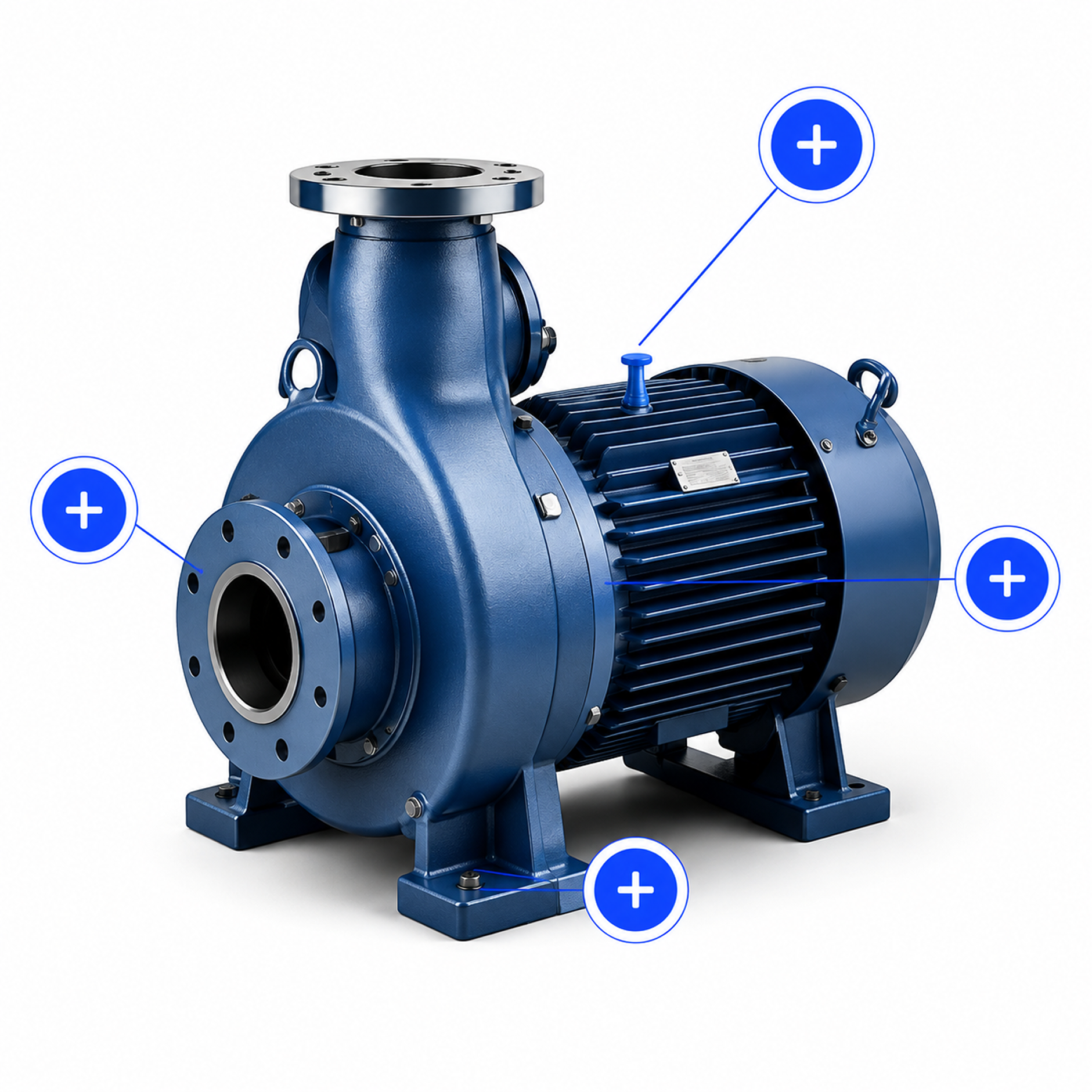
Interactive 3D & Hotspots
Engage users with rich, interactive experiences.

Augmented Reality
Let customers visualize products in real-world environments.
View CAD Files and
Their Parts in Your Browser
Automate the conversion of engineering CAD into lightweight, optimized, web-ready 3D models. Upload individually, in bulk or via API. Every model is optimized, branded and quality-checked by experts before it's ready for marketing.
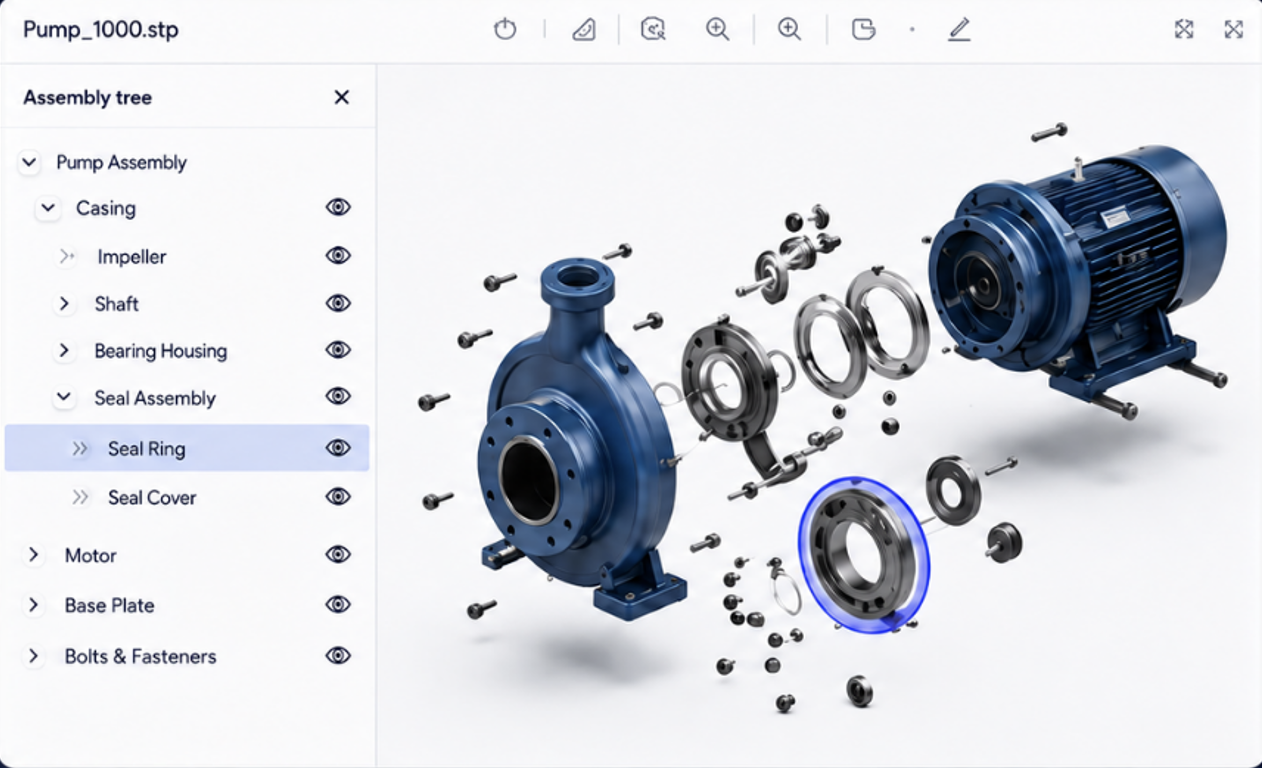

Inspect the full assembly
Open the CAD model in the browser and explore the complete product structure.

Show or hide parts
Isolate components to understand what is included and what should appear in customer-facing content.

Support better briefs
Give marketing and 3D teams a clearer reference when requesting renders, cutaways, exploded views or hotspot content.

Reduce desktop software dependency
Allow non-CAD users to review the model without needing a full engineering application installed.
Work with the CAD Data You Already Have
MarTech3D supports common engineering and 3D file workflows used by manufacturers. Files can be uploaded directly, added in bulk or supplied through an integrated process, depending on the source system and account configuration.
Common exchange Formats
Common exchange Formats
Subject to the exact source file and integration method.
From Engineering to a Reusable 3D Content Library
See how a manufacturer can move from fragmented, product-by-product preparation to a repeatable CAD-to-content workflow with MarTech3D.
[Customer Name]
[Industry/product category]
.svg)
Challenge
Existing CAD files required repeated manual work and were not consistent enough for direct marketing use

Approach
MarTech3D established a controlled workflow for importing CAD, applying approved materials and texture, reviewing each model and approving it for multiple output types.

"Insert an approved customer quote focused on time saved, scale, consistency or reduced dependency on specialist resources."
Turn the CAD You Already Have into Content You Can Use Everywhere
Automate the hard work. Maintain brand consistency. Deliver better product experiences.
Frequently asked questions
CAD-to-3D model processing prepares engineering files for digital and marketing use. It can include simplifying geometry, removing unnecessary data, applying materials and textures, standardising orientation, optimising performance and converting the model into a lightweight format suitable for browsers, rendering, animation and AR.
Engineering CAD is usually designed for manufacturing accuracy rather than web performance. Files may contain extremely detailed geometry, hidden parts, construction data and structures that are too heavy or unsuitable for browser delivery. They normally need to be simplified and optimised before they can be used reliably online.
Yes. CAD files can be added individually or in bulk, allowing manufacturers to process complete product ranges and catalogues through a consistent workflow. API-based workflows are also available for organisations that need to connect upstream systems.
MarTech3D can support API and integration workflows that connect engineering and product systems to the 3D content process. The exact approach depends on your existing platforms, file structure, metadata and approval requirements
The workflow removes unnecessary complexity, reduces the model for efficient digital use, prepares its structure, applies approved materials and textures, and standardises the presentation. The finished model is then reviewed before customer approval.
MarTech3D can apply company-level material and texture standards as part of the processing workflow. These standards are established for the account so that products can be prepared more consistently across a catalogue.
The MarTech3D workflow combines automated processing with expert human review. A specialist checks the processed model for visual quality and consistency before it moves through customer review and approval.
Yes. Teams can review models, provide feedback, request changes and approve assets inside the platform, keeping the review loop connected to the product record.
The CAD Part Viewer is a browser-based tool for viewing an uploaded CAD assembly and its component parts. Users can inspect the model, select parts and show or hide components without opening a separate desktop CAD application.
An approved model can be used throughout MarTech3D to create product images, 360° spins, exploded view animations, interactive 3D experiences with hotspots, augmented reality and web-ready 3D embeds.
Timing depends on the number of products, the complexity and quality of the source files, the materials required and the review process. MarTech3D is designed to remove repeated manual preparation and to process product ranges through a controlled, scalable workflow.
No specialist desktop CAD software is required for the marketing workflow. MarTech3D is browser-based, allowing marketing and product teams to manage models, review outputs and create content without operating traditional CAD or rendering applications.