
Stunning Product Images. Generated at Scale.
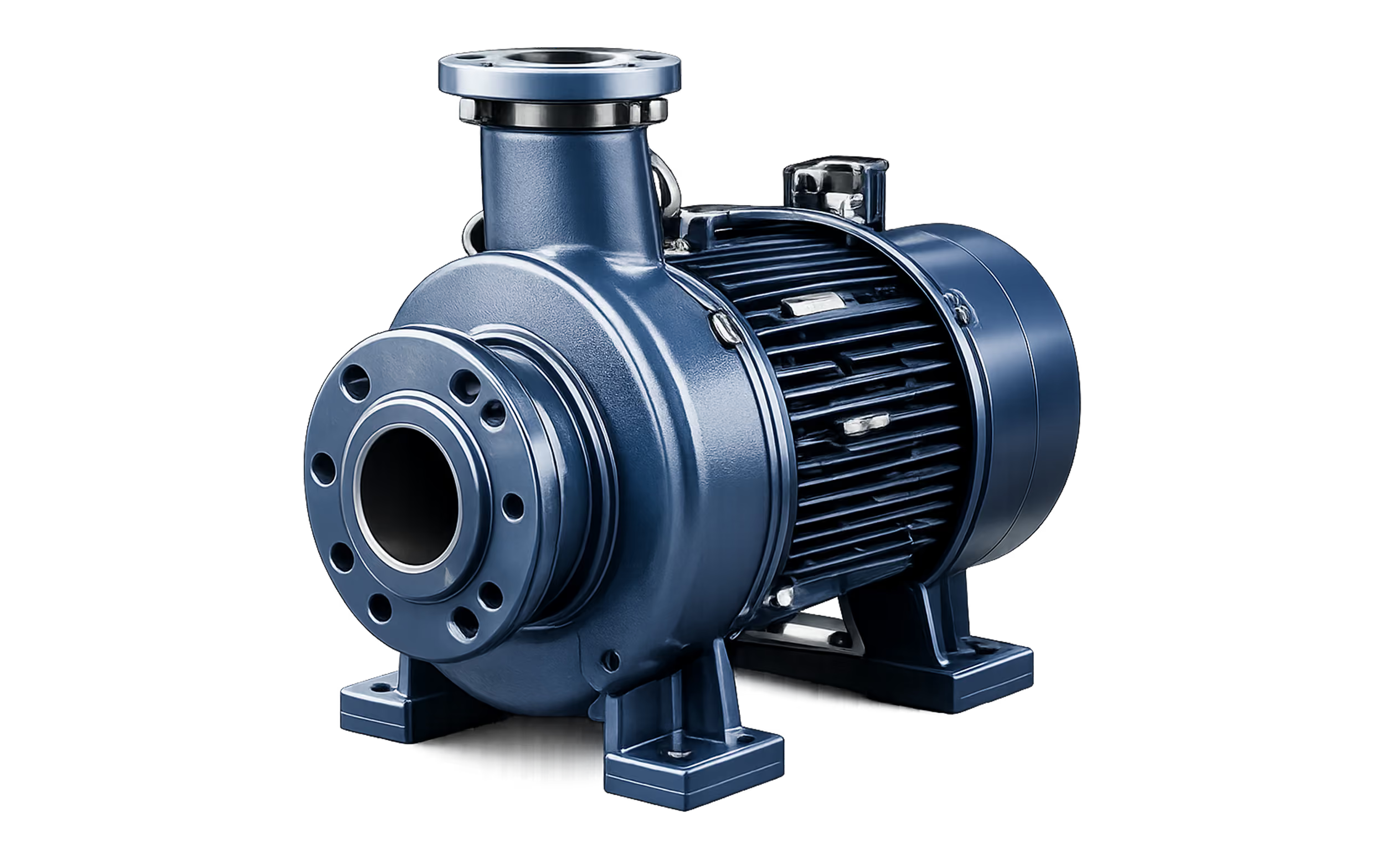
Transform engineering CAD into photorealistic images that sell your products. Create on-brand renders in minutes, not days - without a 3D expert
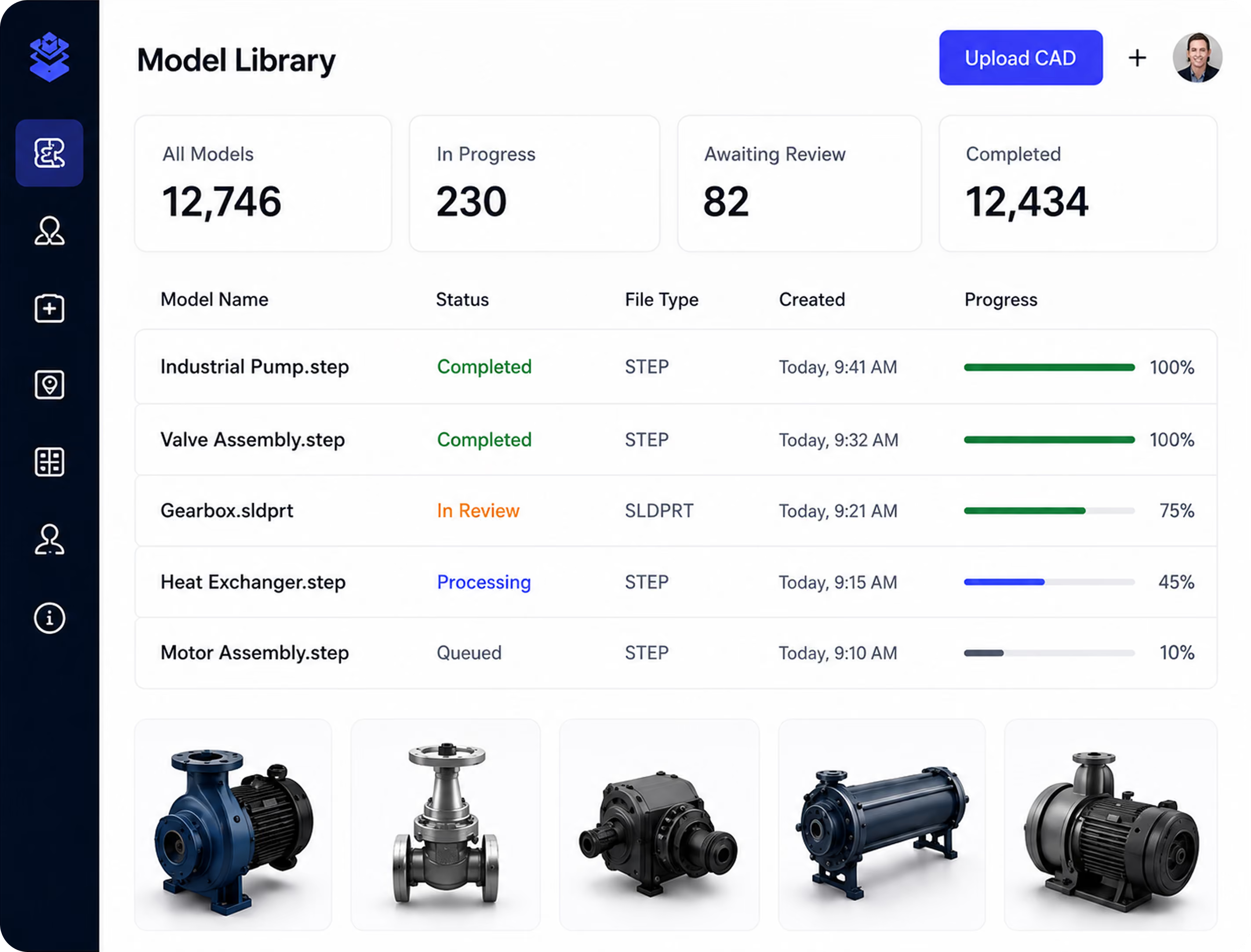
TRUSTED BY LEADING GLOBAL MANUFACTURES
.svg)



.svg)

Manual Rendering Is Slow, Expensive and Hard to Scale
Traditional rendering workflows rely on manual setup, specialist software and time-consuming iteration. As product portfolios grow, so do costs, delays and inconsistencies.
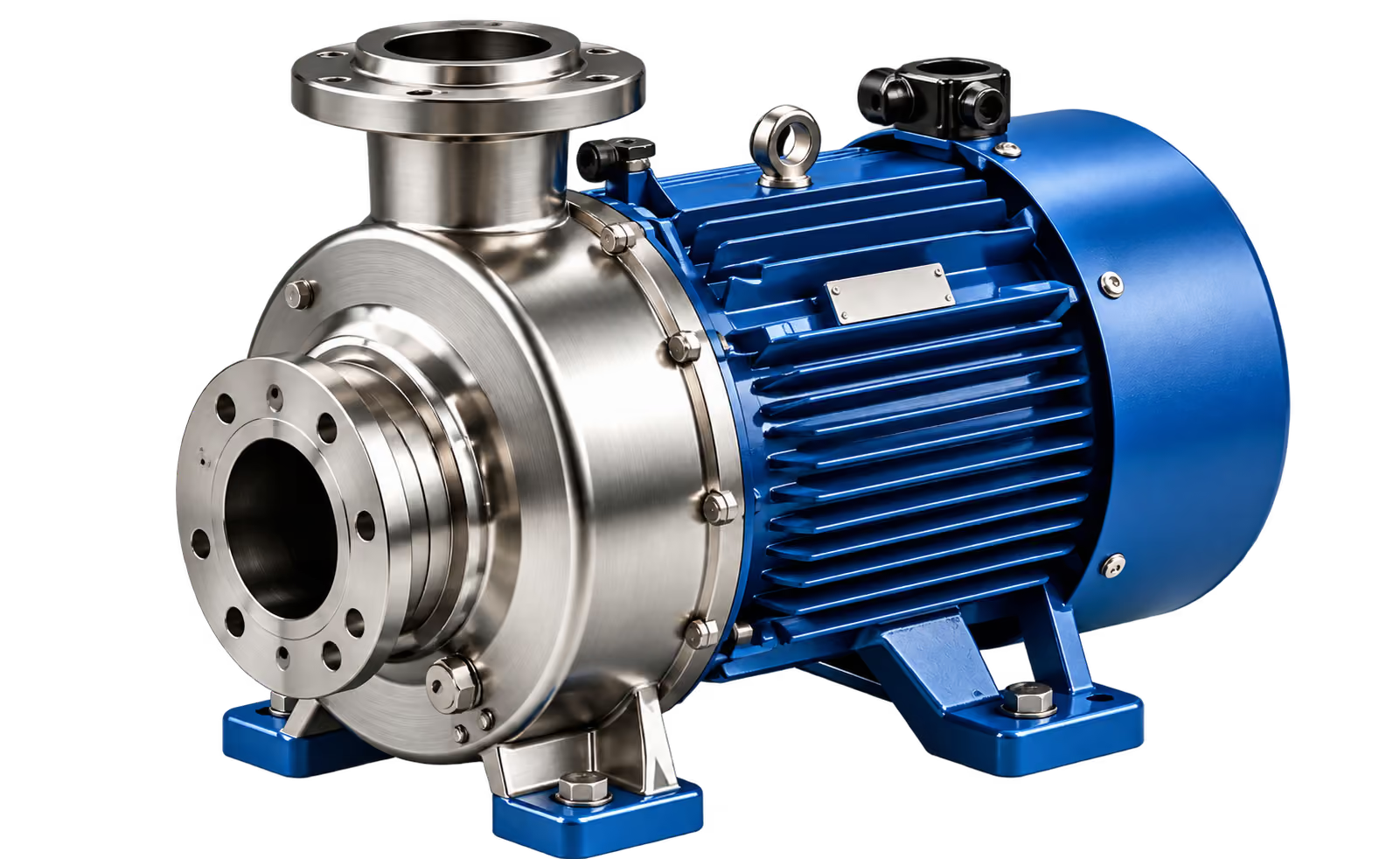

Too Slow
Days spent setting up scenes, lighting and cameras.

Too Expensive
Specialist software, high-spec hardware and agency costs.

Inconsistent
Different users, different results, off-brand content.
.svg)
Hard to Scale
Impossible to render hundreds or thousands of products manually.
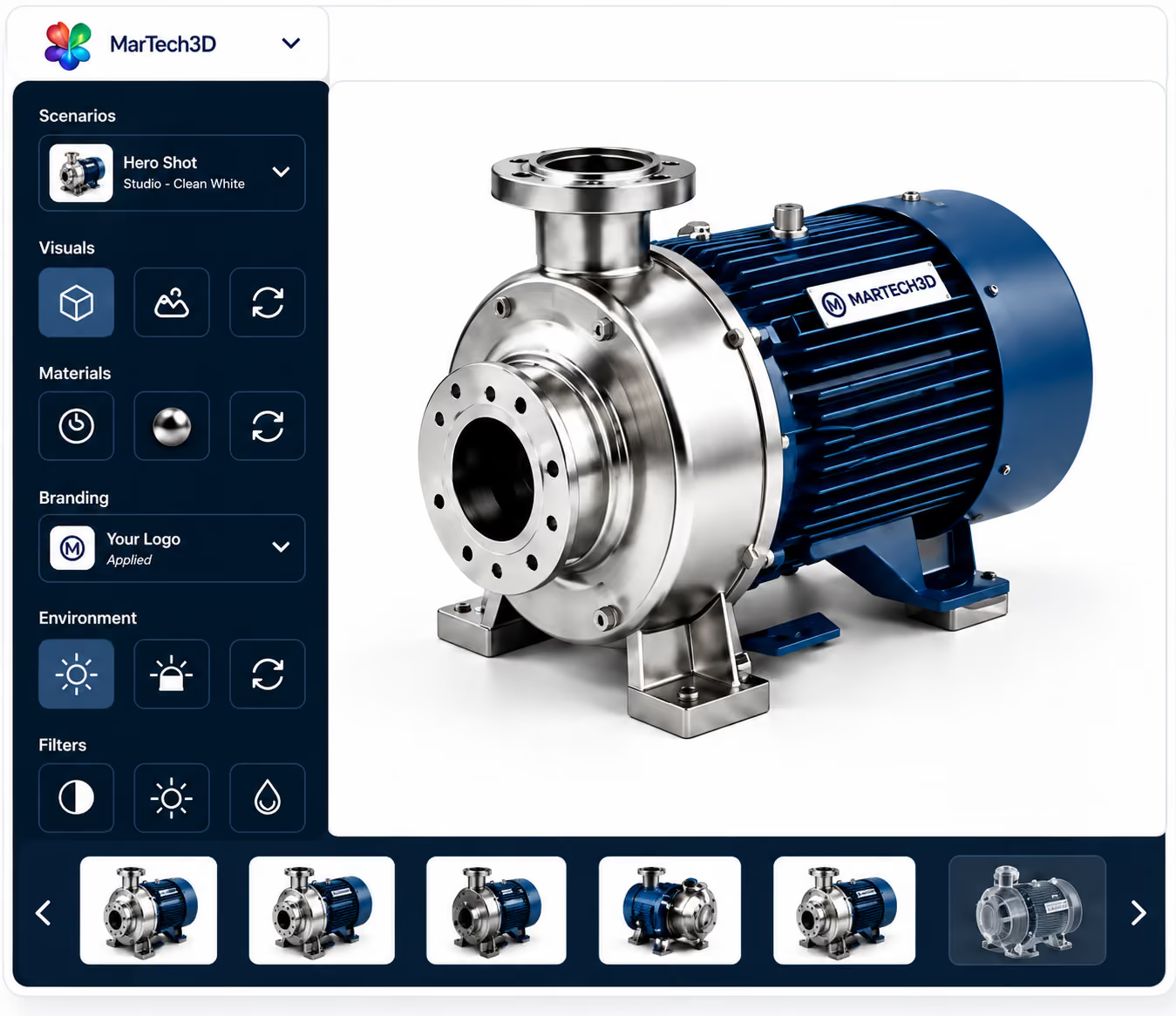
Product Rendering.In Marketing's Hands.
MarTech3D gives marketing teams the control to create polished, on-brand product images in minutes — without relying on agencies, 3D specialists or engineering.

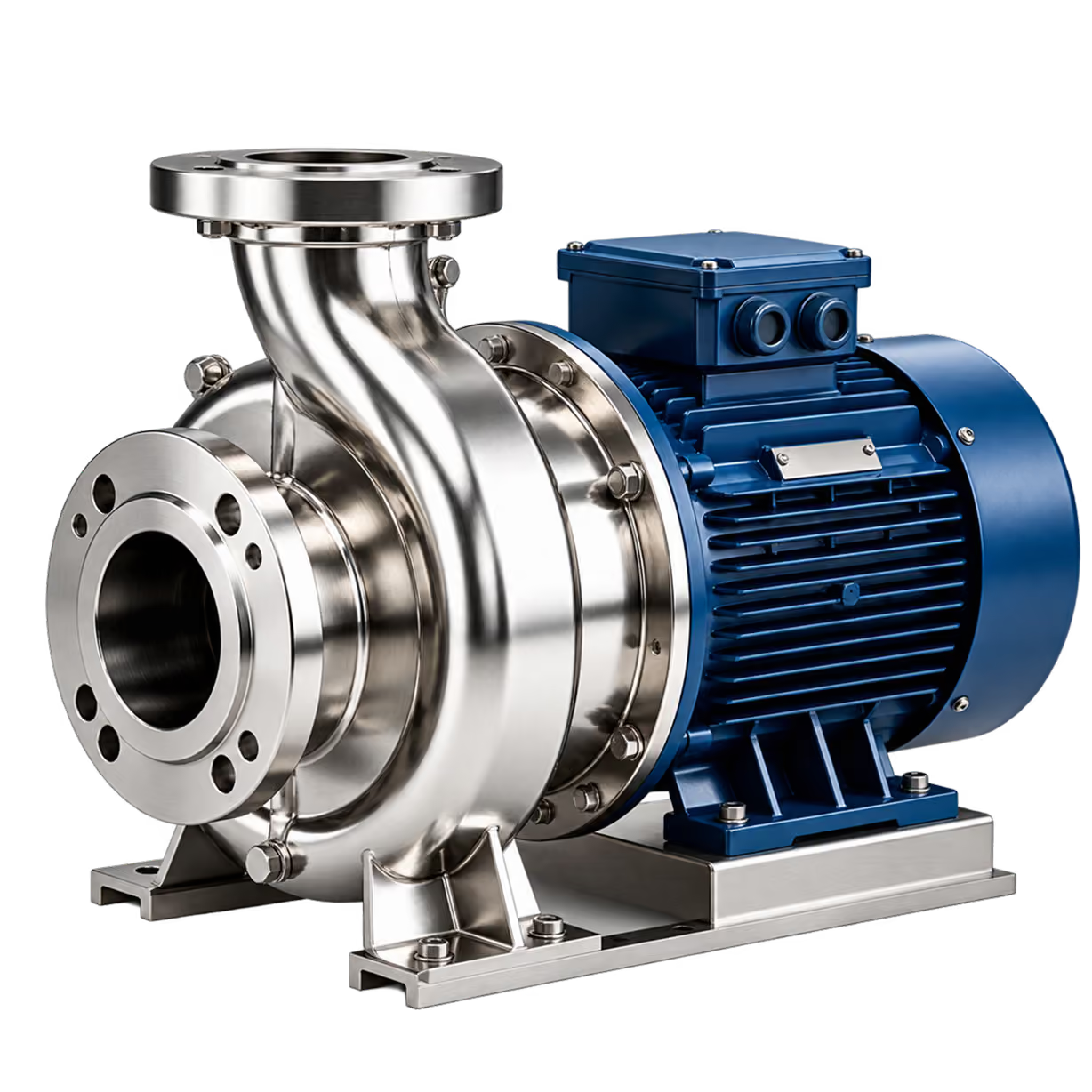
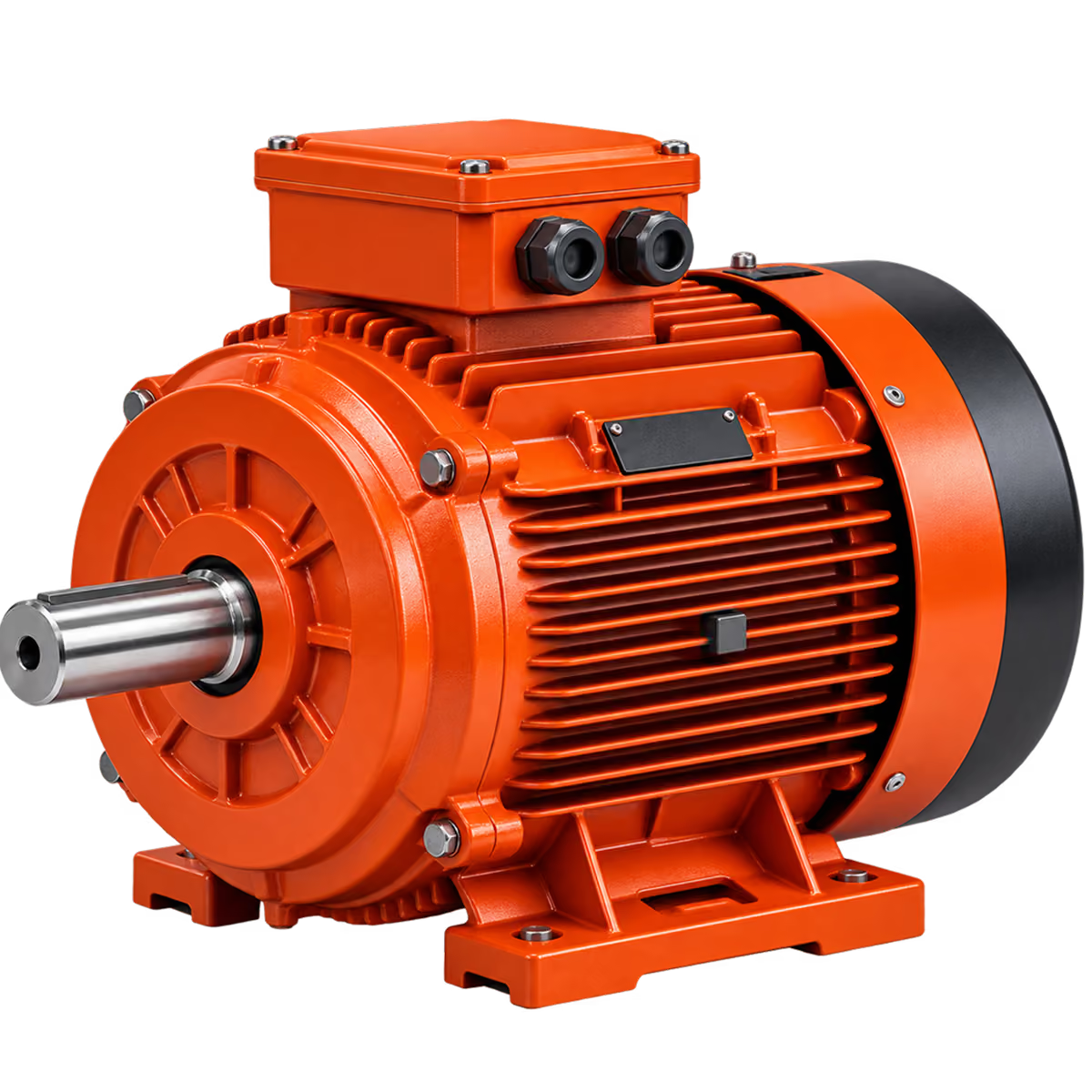
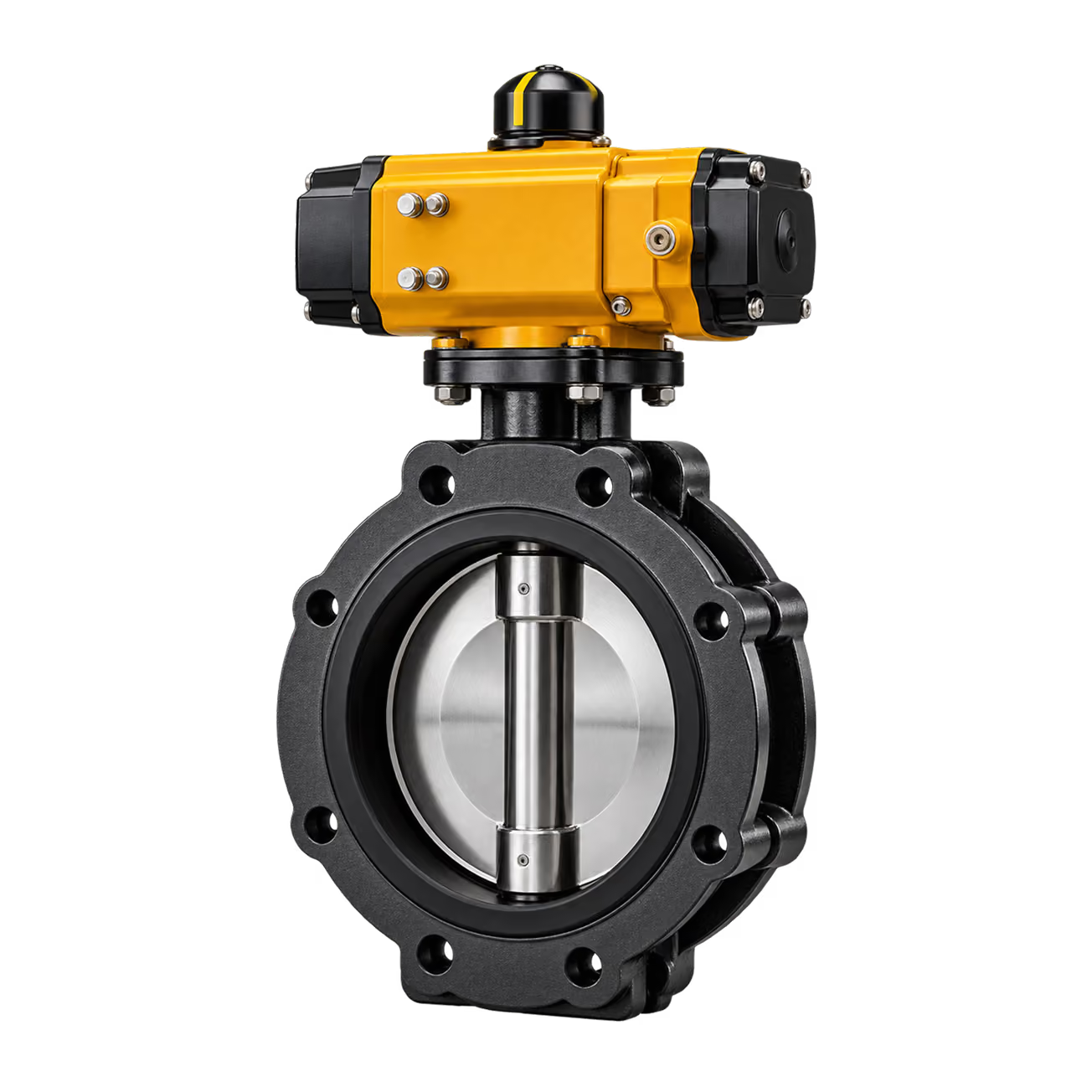
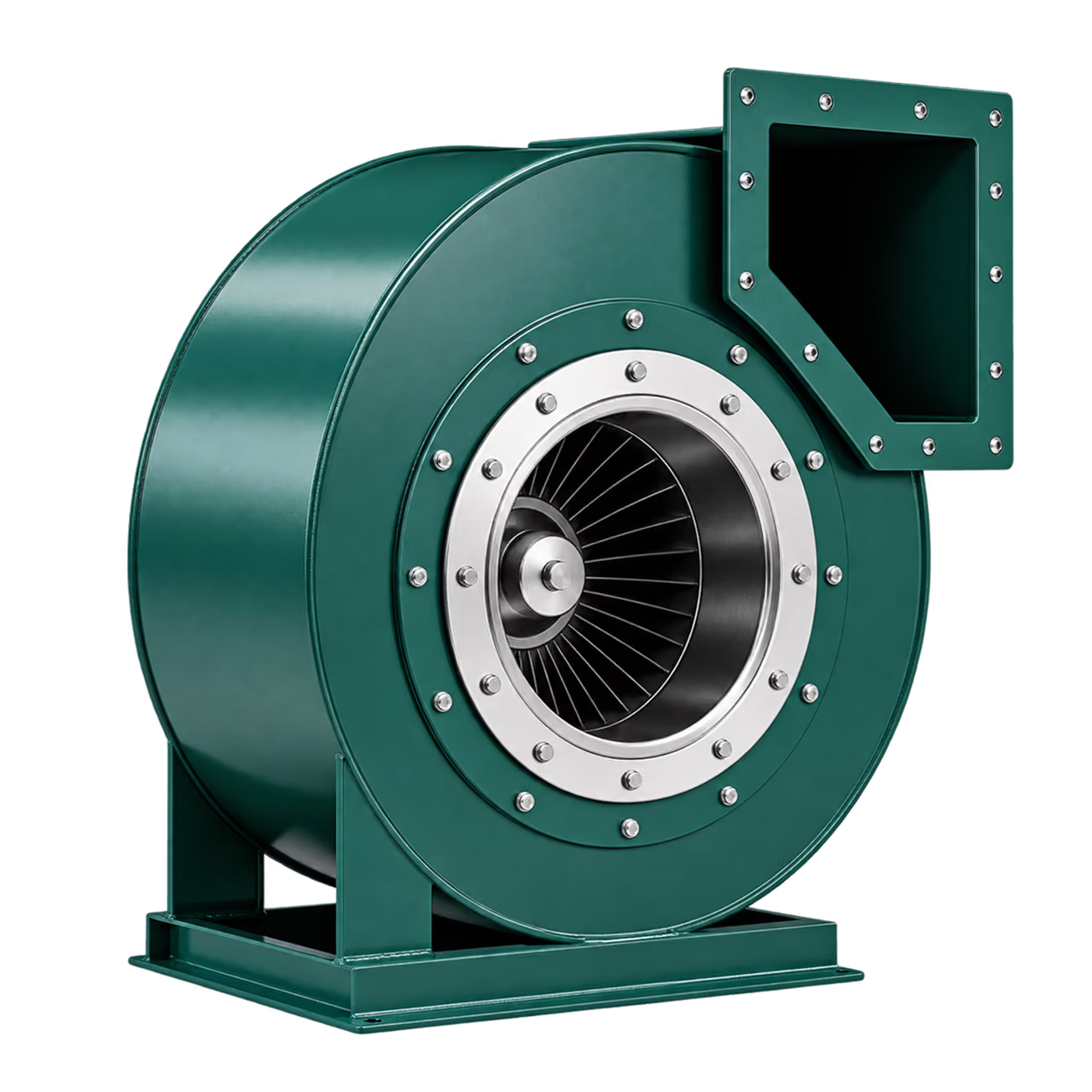

Faster
Render in minutes, not days.

Lower Cost
Reduce agency and outsourcing spend.

Consistency
Consistent image output for catalogues, websites and sales.
.svg)
Scale
Produce a single product image, or render thousands of product images.
From Engineering CAD to Marketing-Ready Assets in Six Steps
Engineering models are built for manufacturing, not for websites, brochures, product configurators or sales tools.
From Engineering CAD to Marketing-Ready Assets in 6 Simple Steps

Single, bulk, or via API
.svg)

Clean, reduce, optimize

Apply your brand library

Human review and feedback

Approve or request changes

Use across all marketing channels
Work with the CAD Data You Already Have
MarTech3D supports common engineering and 3D file workflows used by manufacturers. Files can be uploaded directly, added in bulk or supplied through an integrated process, depending on the source system and account configuration.
Common exchange Formats
Common exchange Formats
Subject to the exact source file and integration method.
From CAD to Content
See how easily engineering CAD becomes polished, on-brand marketing content.
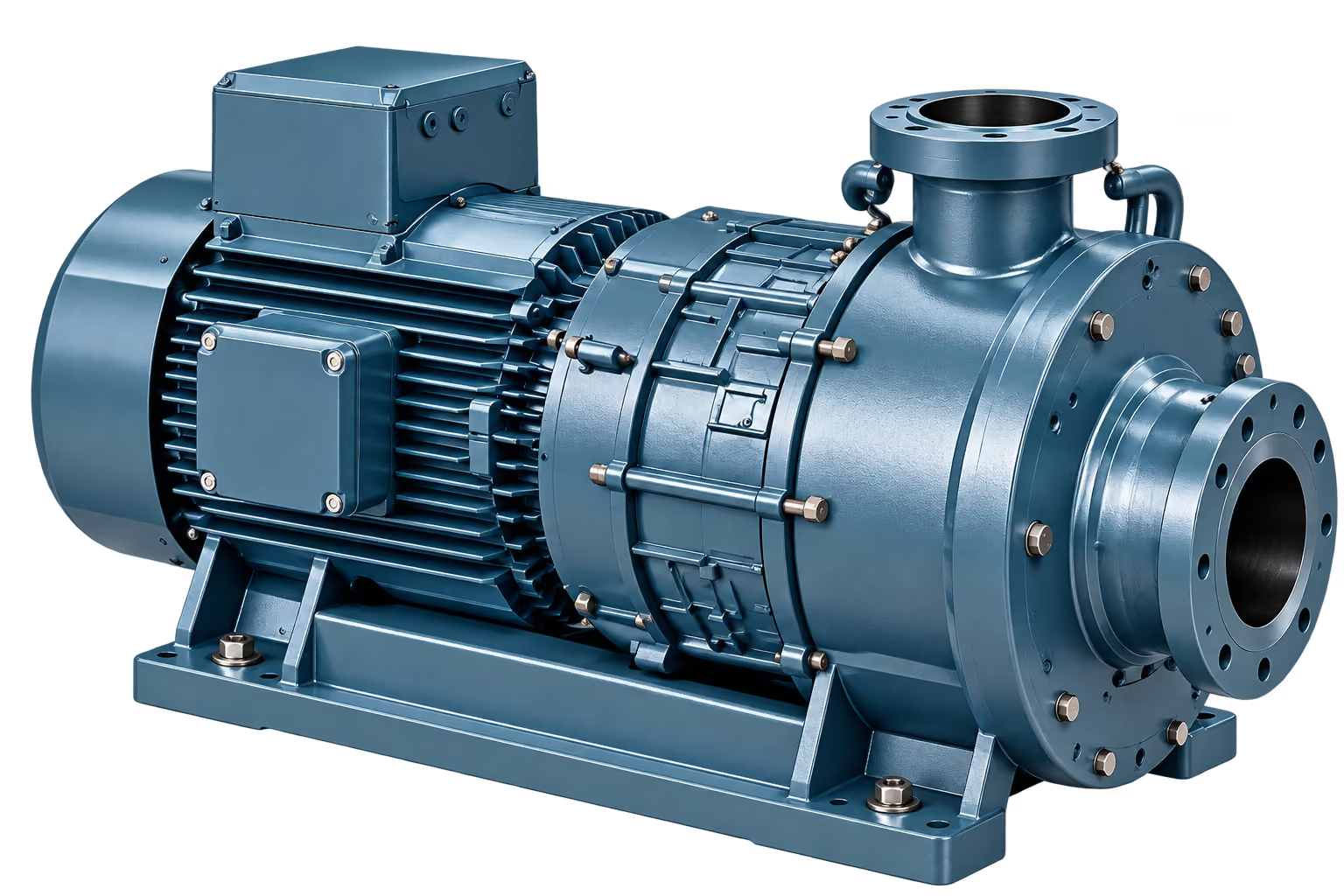

MarTech3D has cut our rendering time by over 80% and given our marketing team complete control. We can now launch products faster with consistent, on-brand images across every channel.
Marketing Manager
Global Industrial Manufacturer
85%
Reduction in rendering time
£120K+
Saved in agency and software costs
85%
Products rendered in first 6 months
Turn the CAD You Already Have into Content You Can Use Everywhere
Automate the hard work. Maintain brand consistency. Deliver better product experiences.
Frequently asked questions
3D product image rendering creates two-dimensional marketing images from a prepared three-dimensional model. The model can be presented from different angles with controlled materials, lighting, environments and backgrounds. Because the product remains as a reusable 3D asset, teams can create new images without photographing or rebuilding the product each time.
Engineering CAD first needs to be converted into a lightweight, marketing-ready 3D model. MarTech3D can automate that upstream processing, apply approved materials and complete a quality check. Once the model is ready, it can be used repeatedly for product image rendering and other outputs.
Yes. MarTech3D is designed for both individual and batch workflows. Teams can select large groups of approved products, apply saved rendering settings and queue the outputs for cloud processing. The practical batch size and delivery approach can be configured around the account and enterprise workflow.
No. Rendering is processed in the cloud, so users do not need a dedicated render workstation or high-end graphics card for routine production. The platform can be accessed through a standard supported browser.
The workflow is designed so marketing and product teams can create routine images using approved models and presets. Initial materials, scenes and brand standards may be prepared with support from MarTech3D or an experienced 3D user, but everyday image creation does not require traditional desktop rendering expertise.
Yes. Camera positions, lighting, environments and other approved settings can be saved for reuse. This helps teams create consistent images across product families, catalogues and recurring campaigns.
Yes. Depending on the required workflow, users can choose a background colour, use a transparent background, upload an image or work with an AI-generated background. Custom environments can also be prepared for branded or application-specific scenes.
Yes. Users can change the camera position for close-up detail images and hide or show selected parts to reveal internal components or create cutaway-style views. The available result depends on the structure and preparation of the underlying 3D model.
MarTech3D supports high-resolution image production up to 8K for standard supported workflows. Higher-resolution requirements may be available for enterprise accounts where the source model and use case are suitable.
Yes. Rendered assets can be downloaded, exported in bulk or connected to wider product-content workflows through supported integrations and APIs. The exact implementation depends on the systems, data structure, governance requirements and level of automation required.
MarTech3D supports direct sharing workflows for approved assets, helping teams move product imagery into social content more quickly. For enterprise governance, the preferred route may also involve sending assets through the company DAM or social publishing platform.
Yes. Teams can duplicate or reuse a product model with different approved materials, backgrounds, camera settings or campaign configurations.