
Product rendering made simple. Built for scale.
Upload your CAD, position your products and hit render. Give your marketing team the power to create consistent, photoreal images in minutes, with a workflow that scales to thousands of products while greatly reducing costs.
TRUSTED BY LEADING GLOBAL MANUFACTURERS






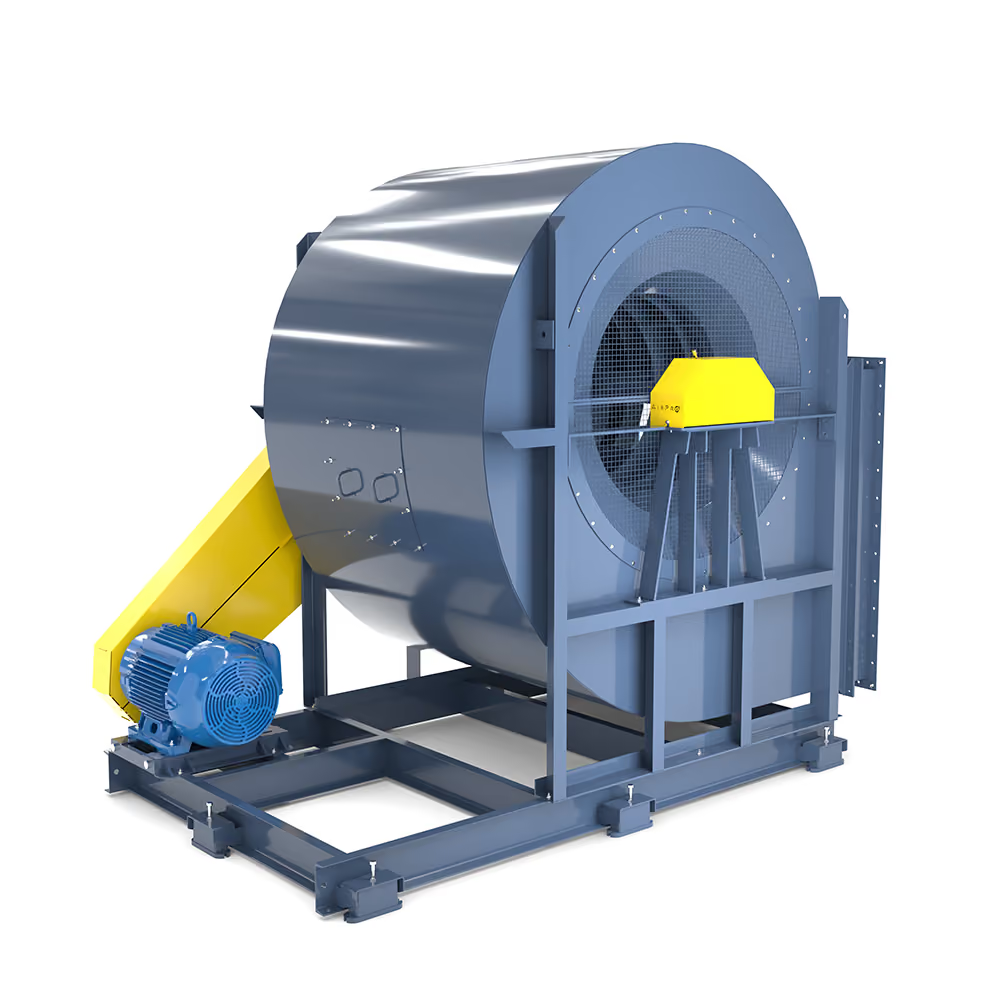
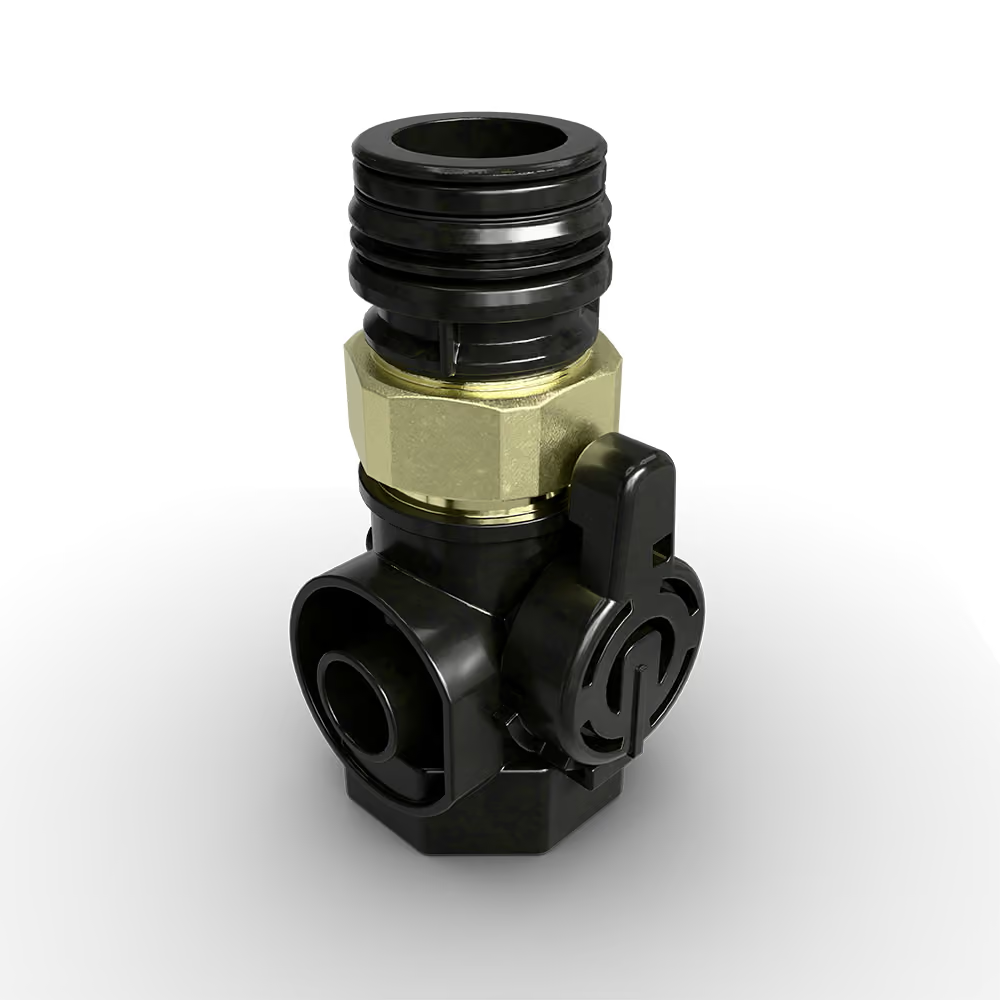
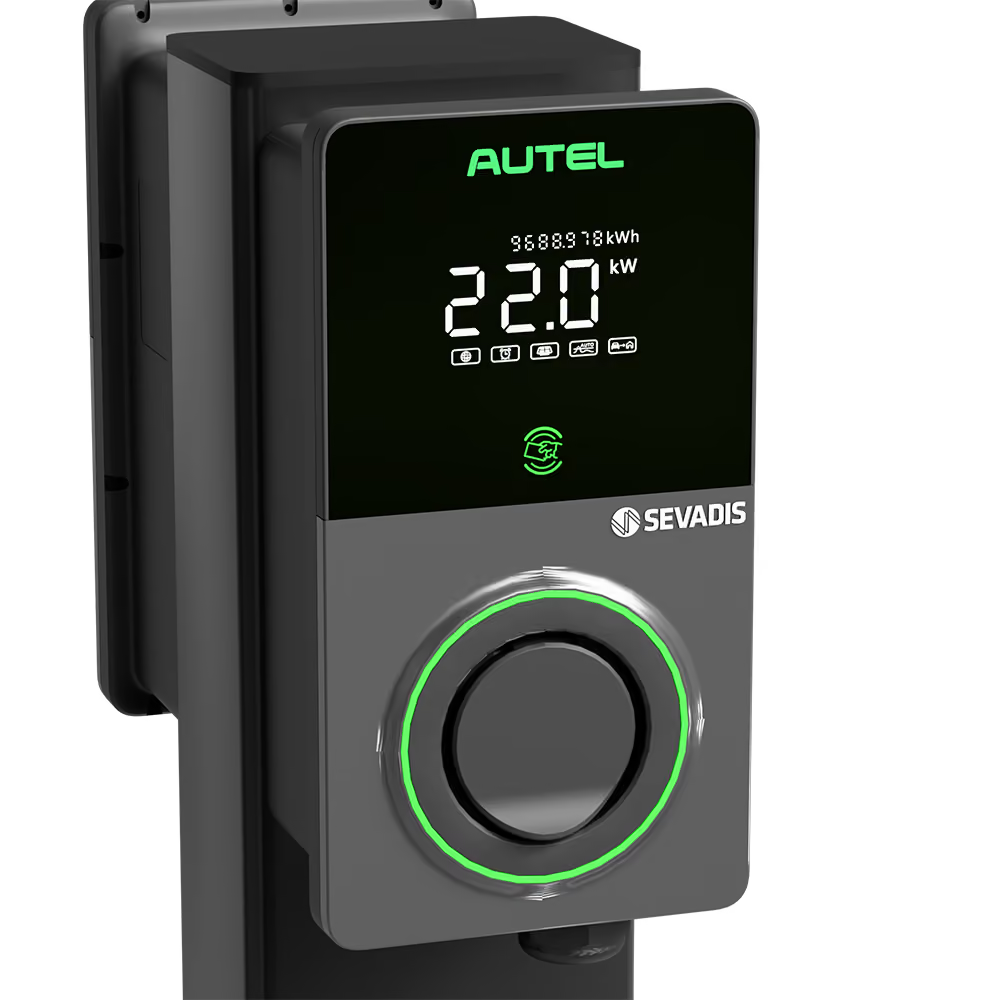
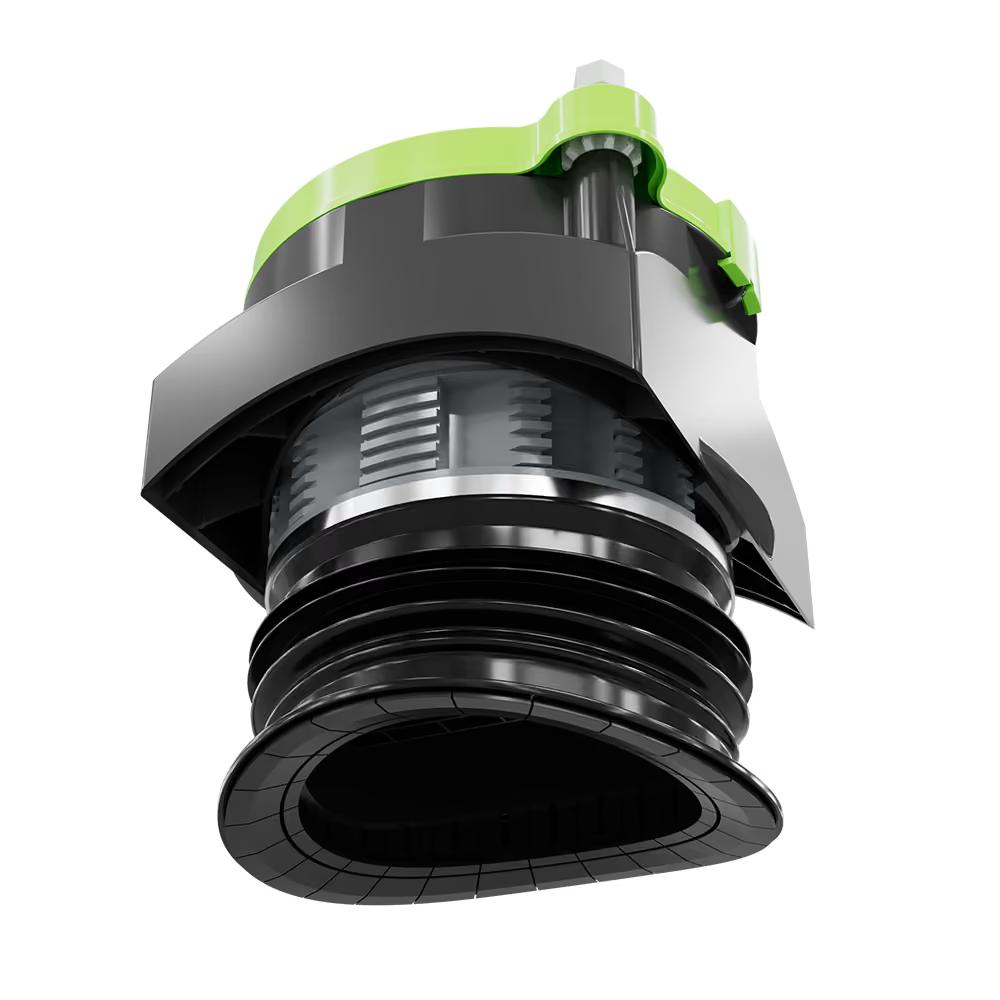
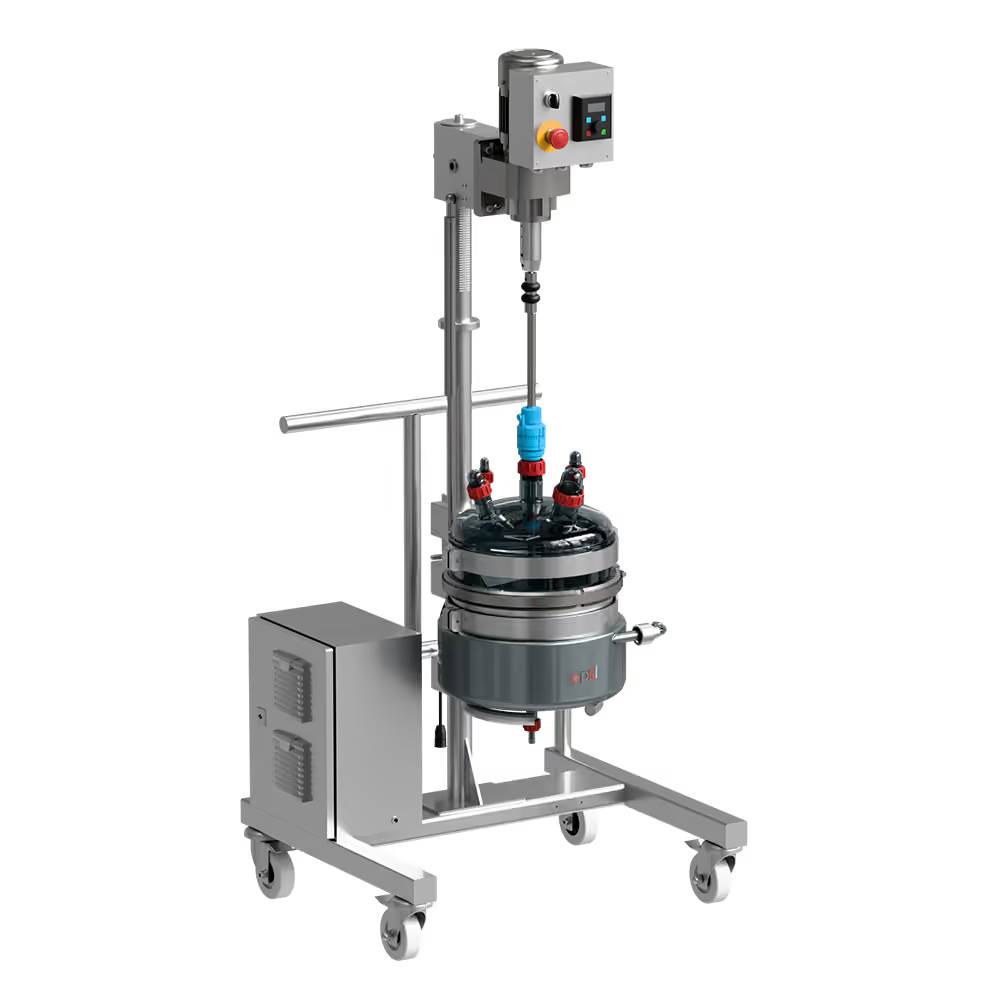
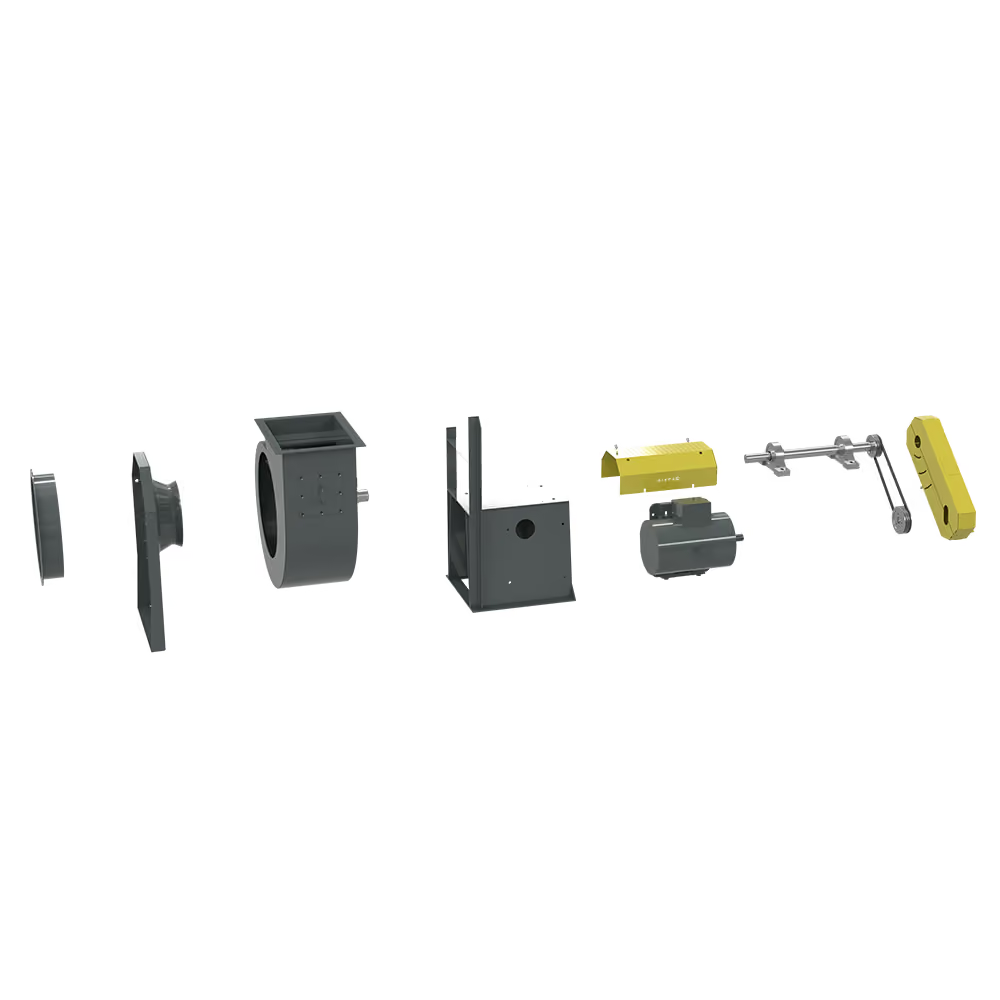
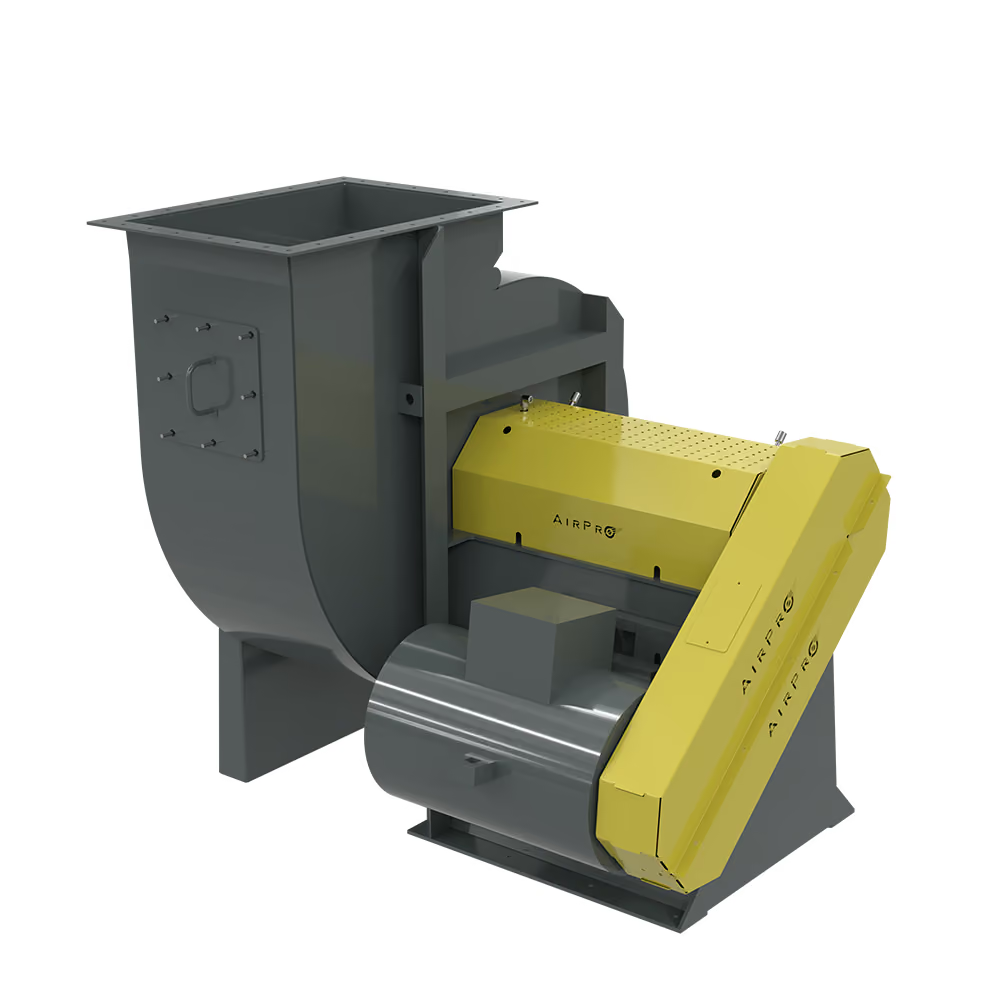
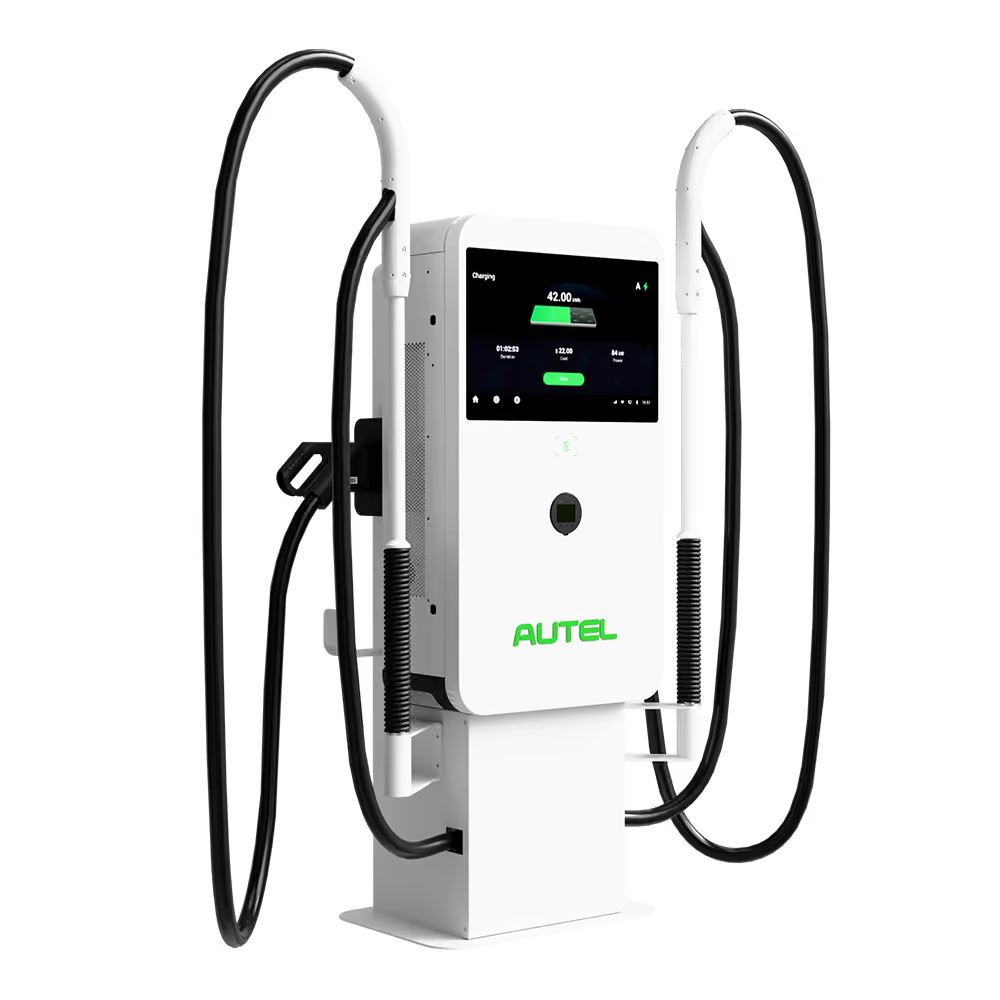
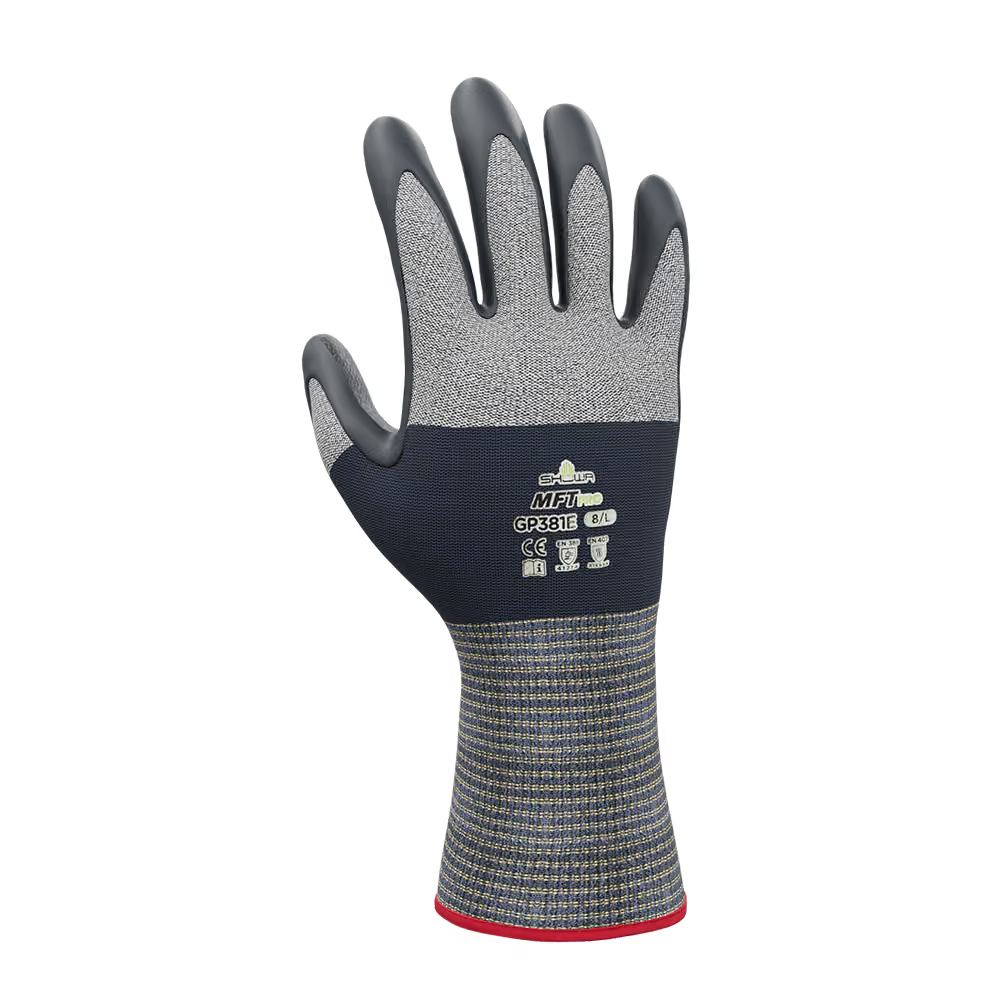
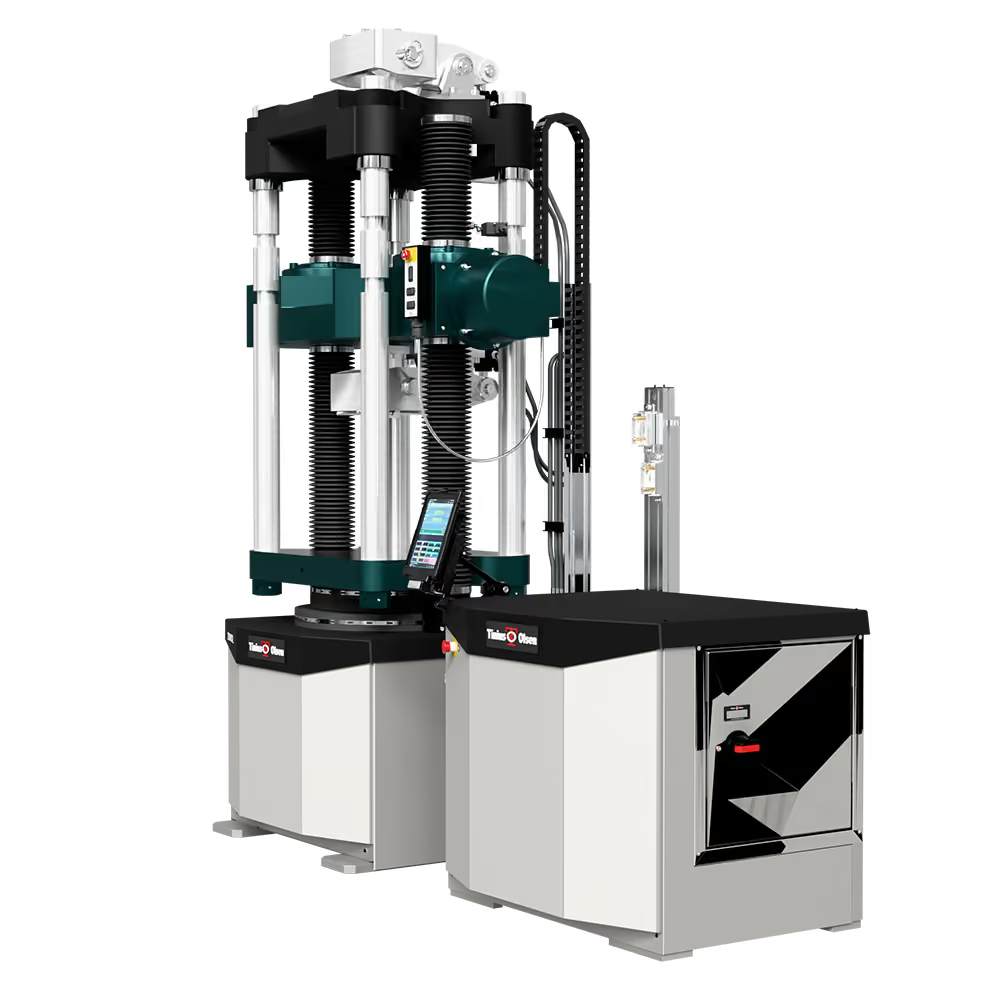
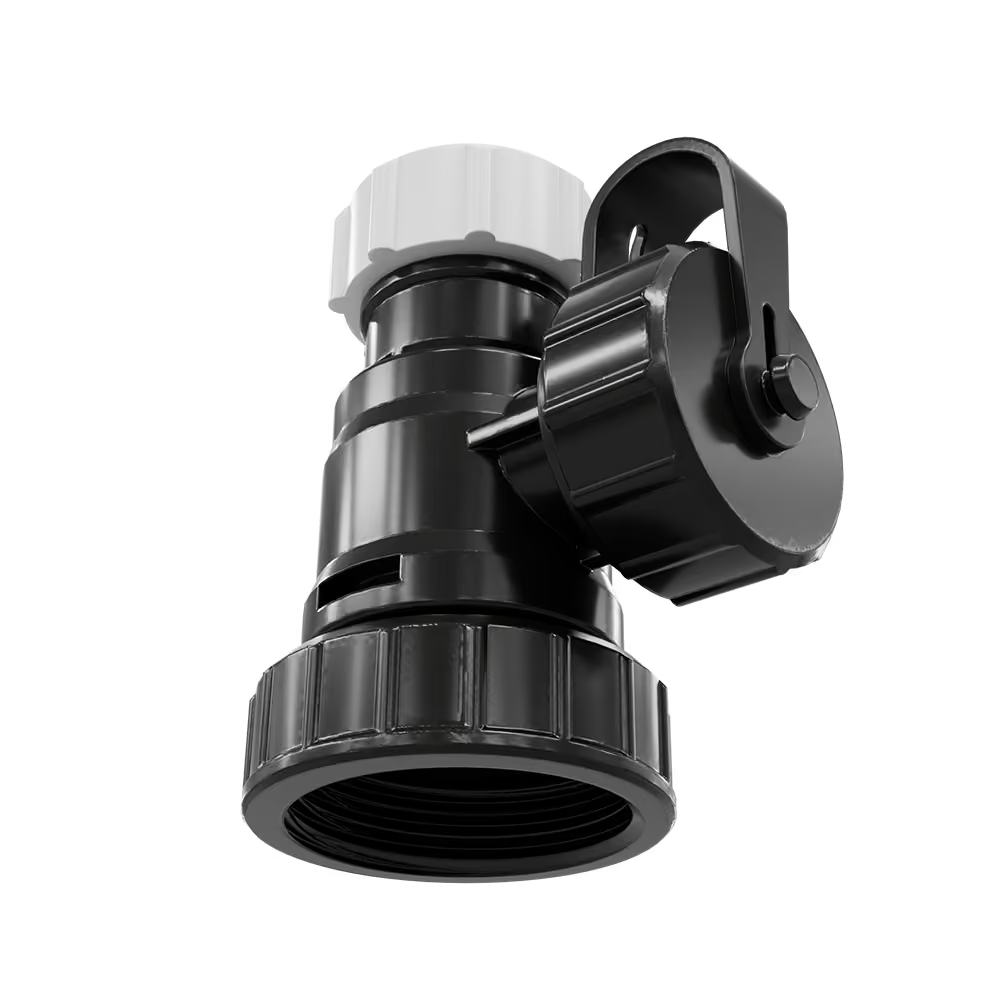
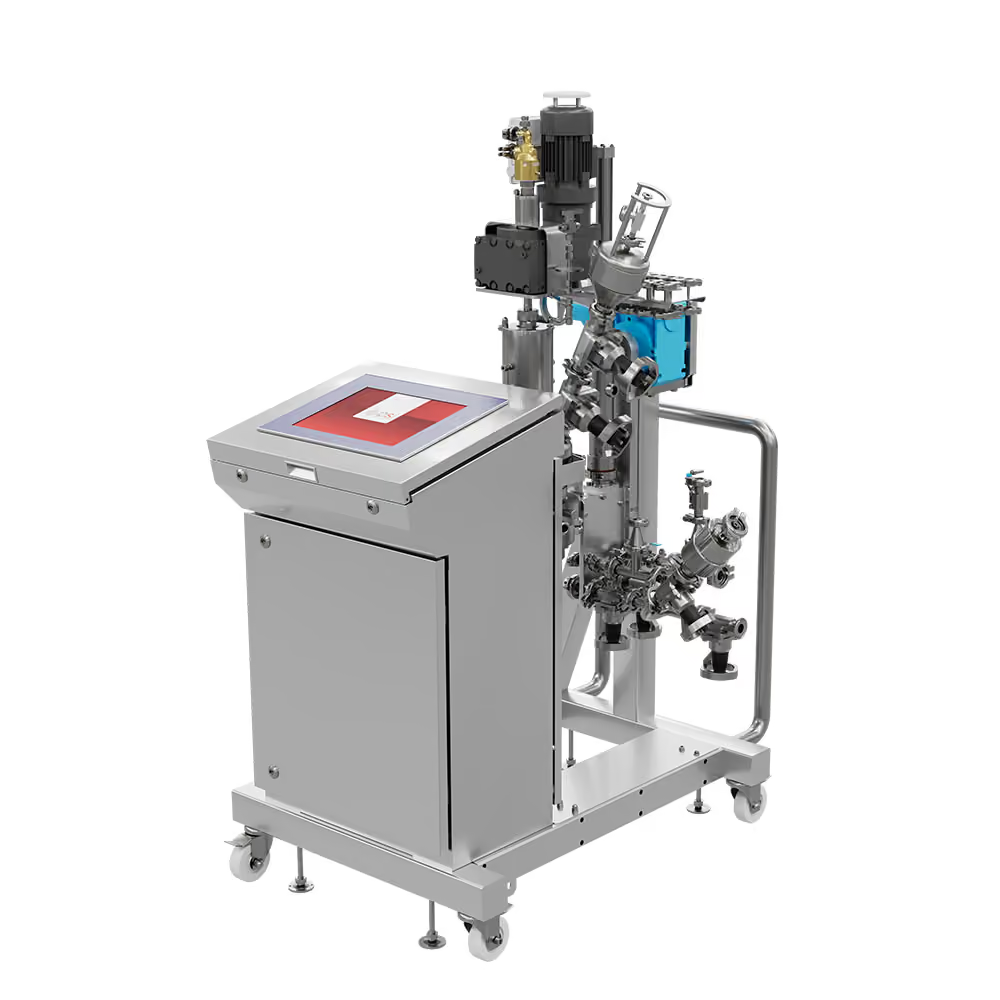
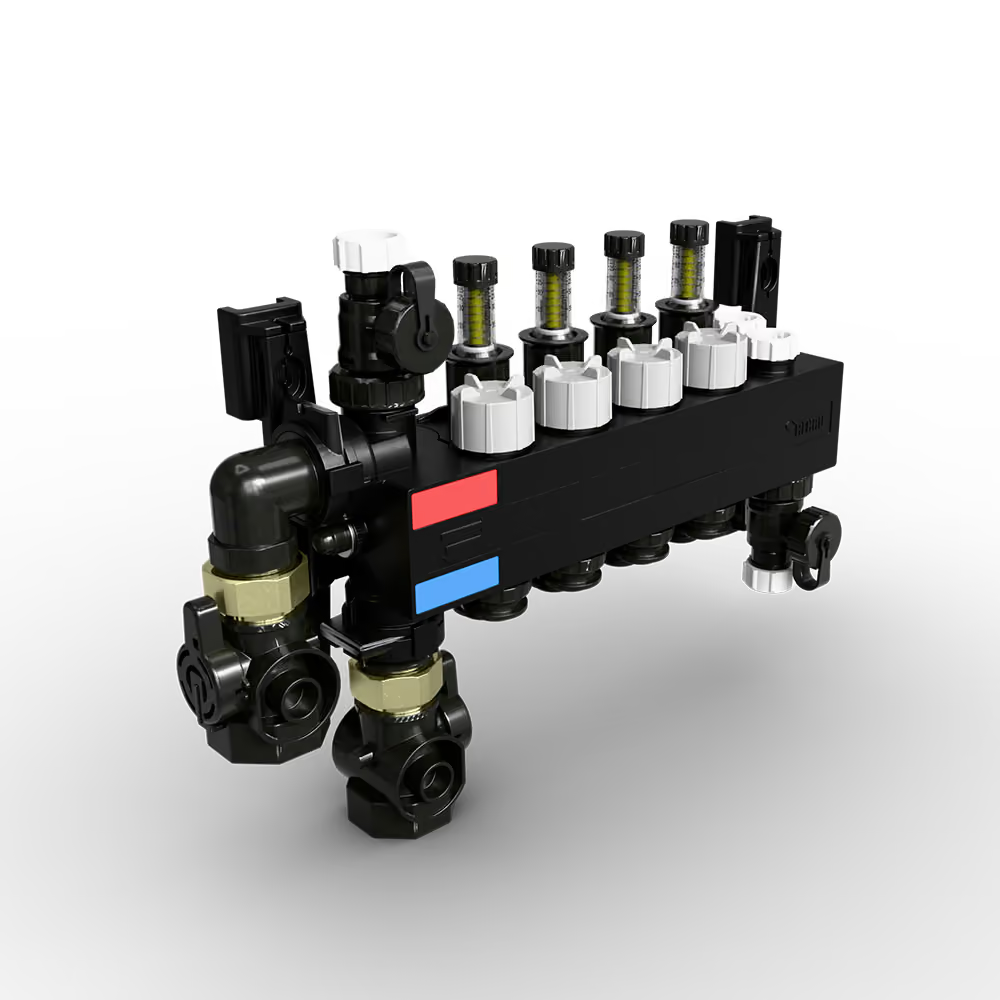
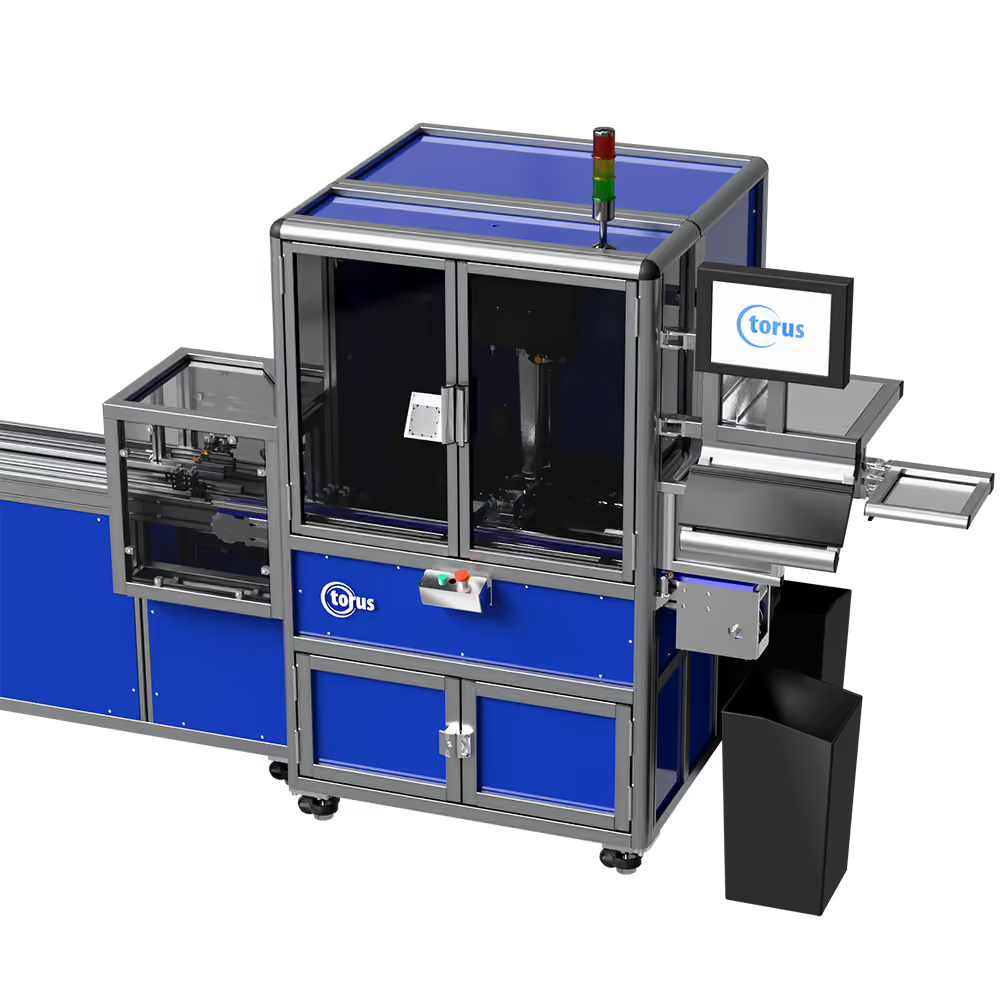
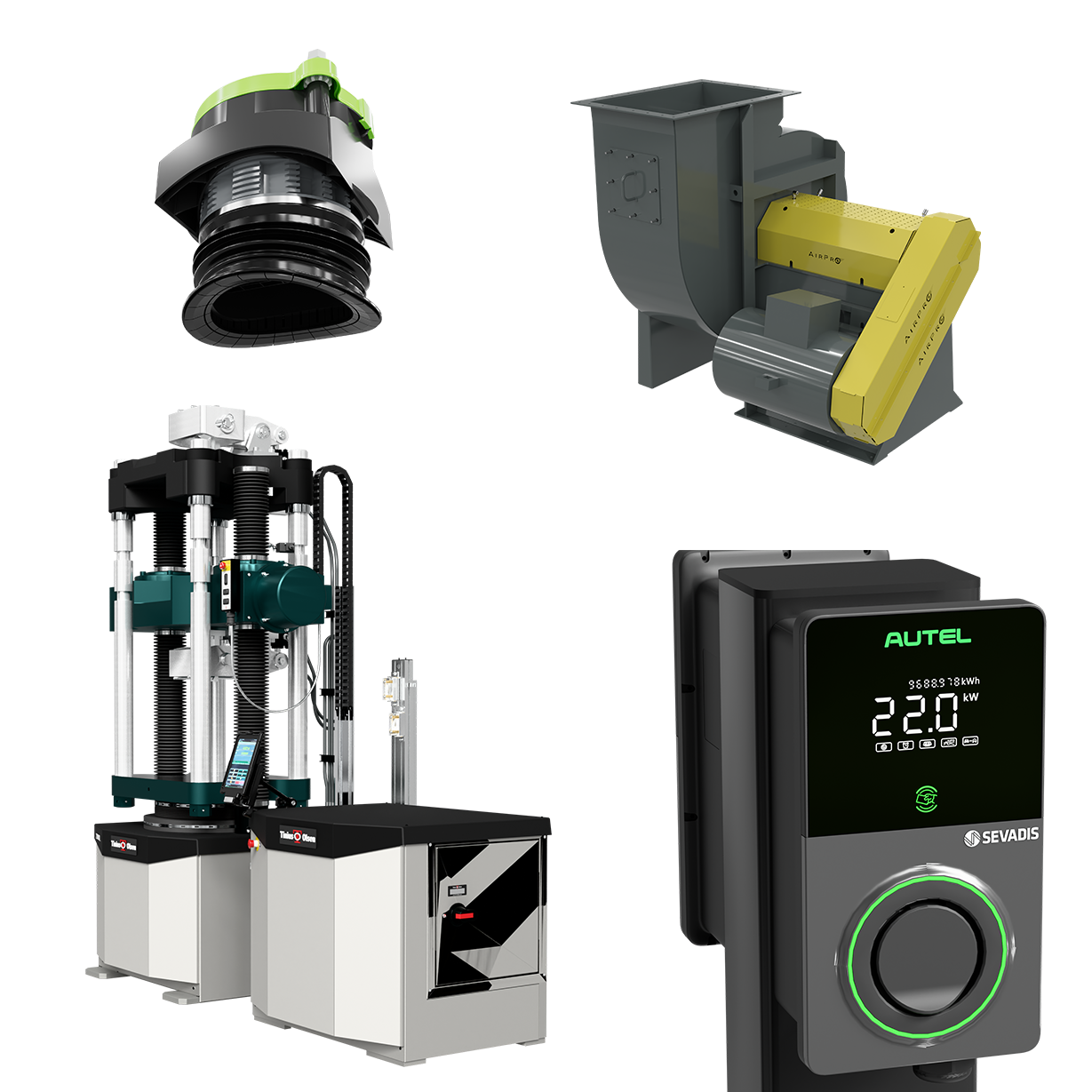
MarTech3D rendering vs other methods

External agency
Great for hero shots, but expensive and doesn't scale.

Product photography
Logistically challenging, with no do-overs once the shoot is done.

Internal design team
MarTech3D supports your internal design team and helps them scale.

Engineering team
They're too busy to be making you images.
High-quality product images, rendered on demand
Position your 3D models, point and click, and create photorealistic product images in seconds. No software downloads or training required. Use custom lighting and camera settings to stay on brand, and render your entire product library in one batch for web or high resolution print.

Faster
Render in minutes, not days.

Lower Cost
Reduce agency and outsourcing spend.

Consistency
Consistent image output for catalogues, websites and sales.
Scale
Turn CAD files into 3D models and renders across hundreds or thousands of products.
Power Up Your Marketing and Sales
Use the CAD you already have to create consistent product images at scale for every marketing and sales channel.
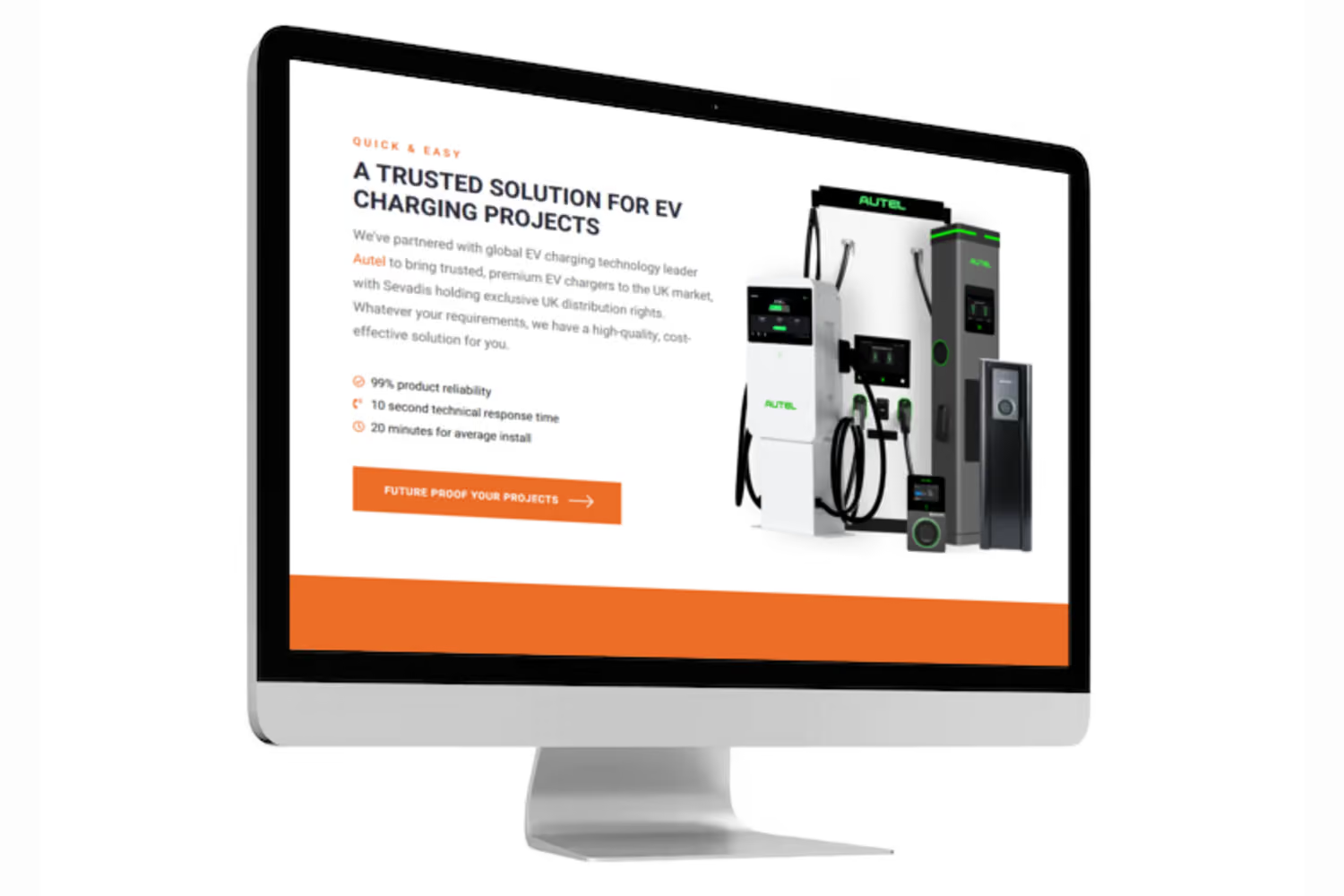
Website
Create thousands of consistent product images for your website, from launch pages to your full product range.
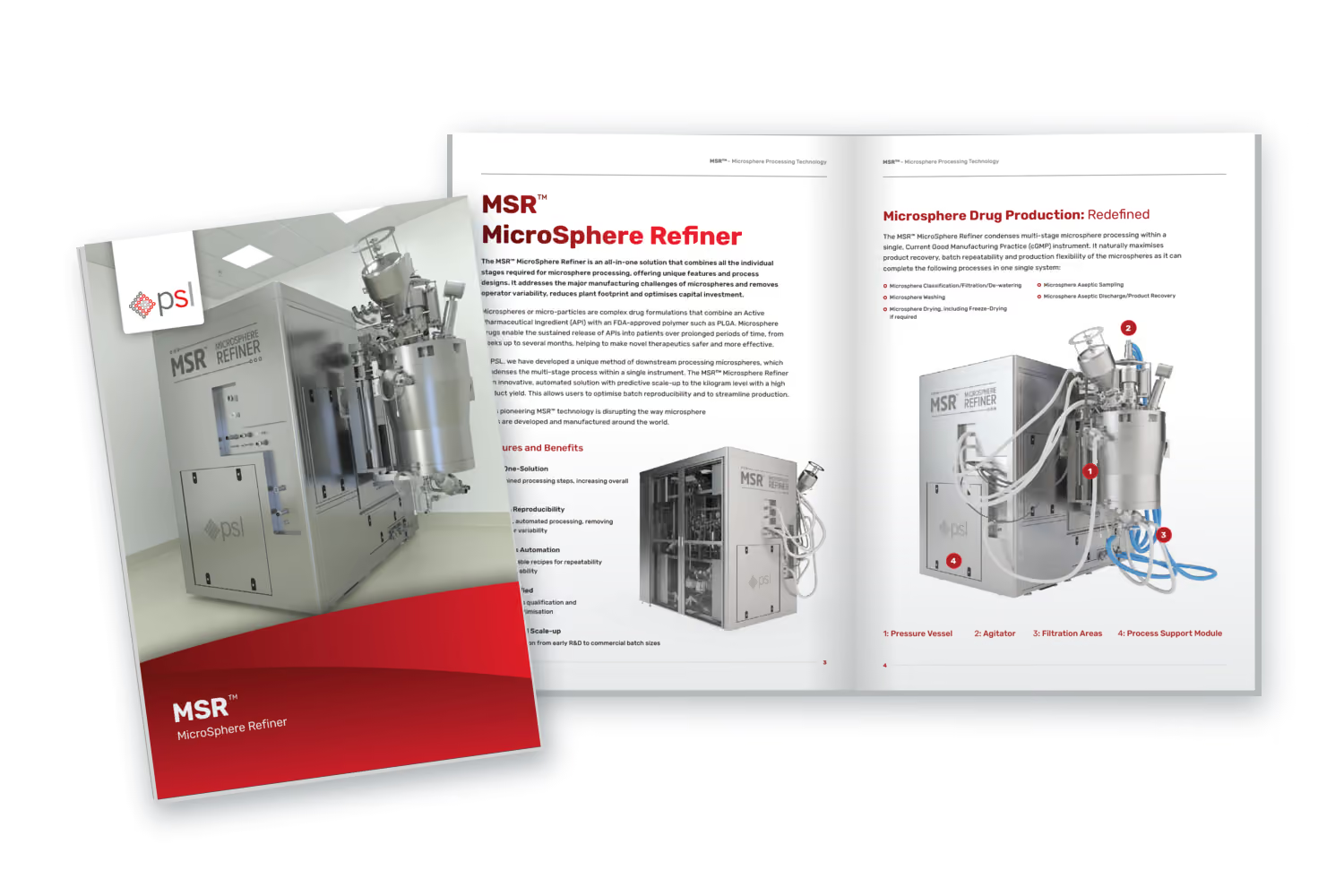
Catalogues
Create every product image you need for catalogues of any size, from dozens to millions of products.
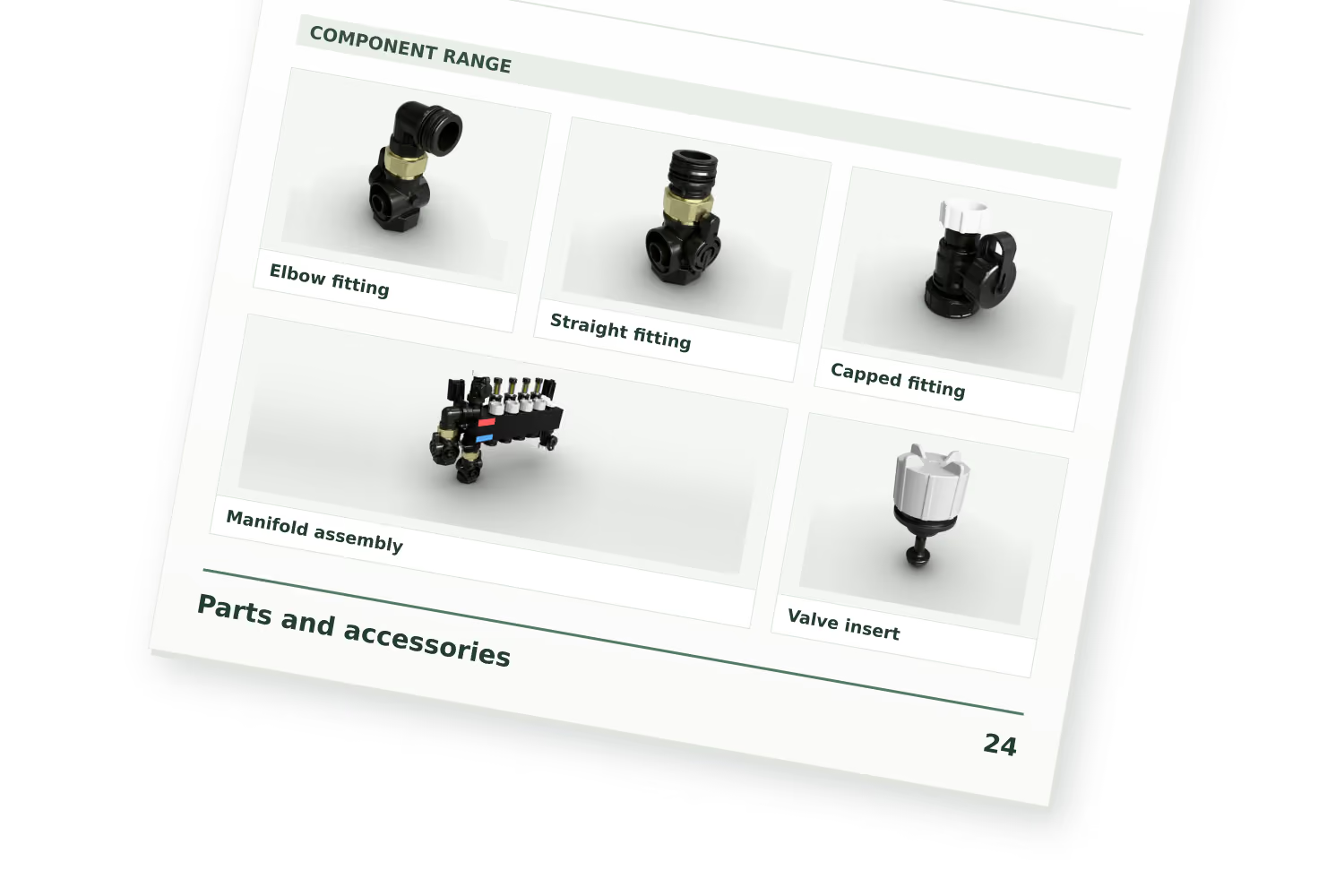
Product data sheets
Show product details clearly with consistent images across your technical data sheets.

Sales
Give your sales team clear product visuals for pitches, proposals and customer meetings.
From Engineering CAD to Marketing-Ready Assets in Six Steps
Engineering models are built for manufacturing, not for websites, brochures, product configurators or sales tools.
From Engineering CAD to Marketing-Ready Assets in 6 Simple Steps

Single, bulk, or via API


Clean, reduce, optimize

Apply your brand library

Human review and feedback

Approve or request changes

Use across all marketing channels
Work with the CAD Data You Already Have
MarTech3D supports common engineering and 3D file workflows used by manufacturers. Files can be uploaded directly, added in bulk or supplied through an integrated process, depending on the source system and account configuration.
Common exchange Formats
Common exchange Formats
Subject to the exact source file and integration method.
Your data is secure. Your IP stays yours.
Built to protect your product data, your live assets and your intellectual property.

IT Security
Secure infrastructure protects your data and keeps assets live and reliable.
Keep product files protected and securely share your 3D assets and apps across every marketing and sales channel, with rapid, reliable access for customers on desktop or on mobile out in the field.

IP Protection
Your intellectual property stays yours with protection against unauthorised use.
Retain ownership of your product designs, with protection against your data and intellectual property being exposed to unauthorised third parties or used without permission, including for AI training.
All the product images you need. Faster and for less.
Give your marketing team the tools to turn existing CAD into consistent, photoreal images at scale for catalogues, websites and campaigns.
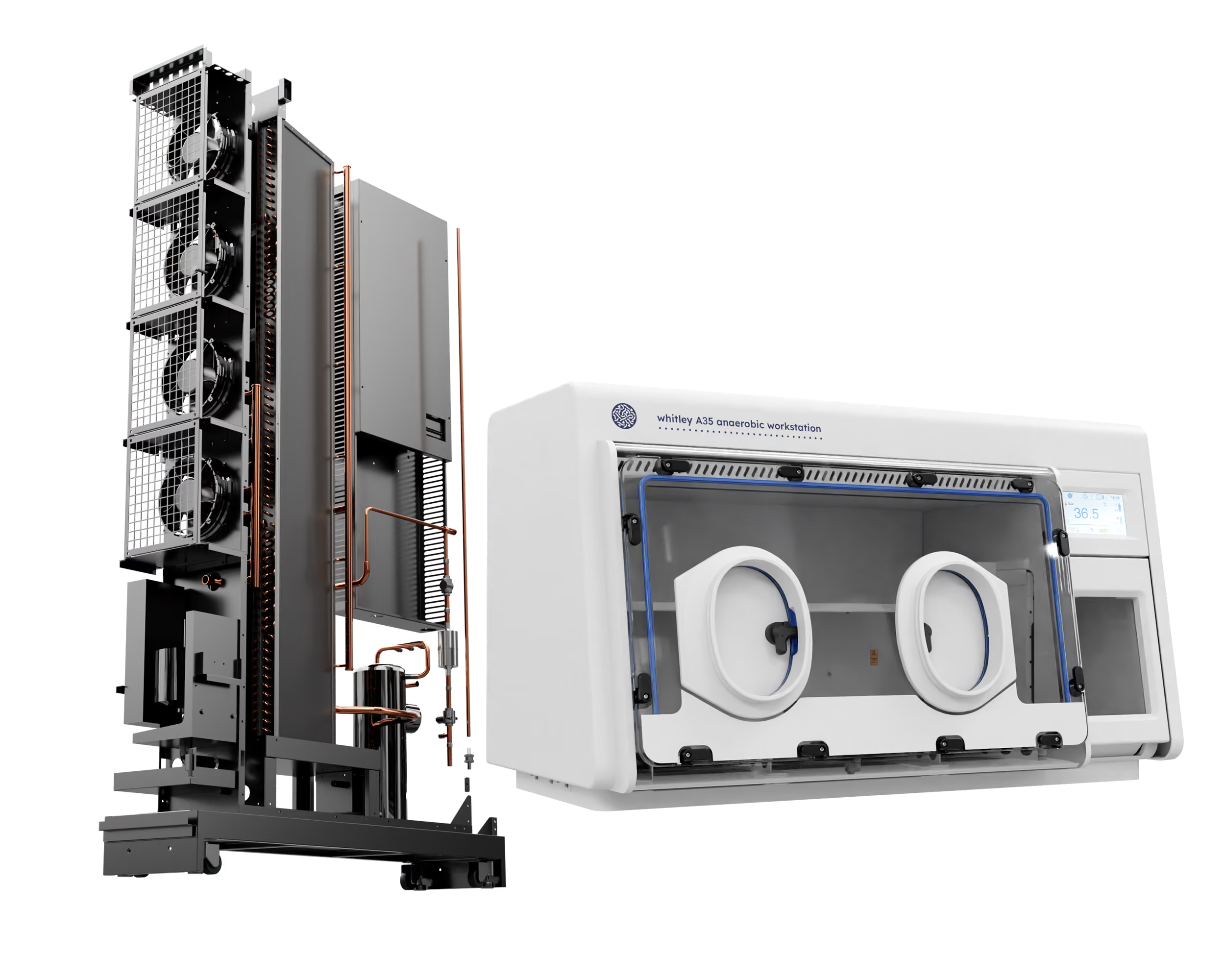
It's not just renders. You can create so much more with the MarTech3D platform.
CAD to 3D model
Turn engineering CAD into lightweight, interactive 3D models ready to share on websites and across your marketing.
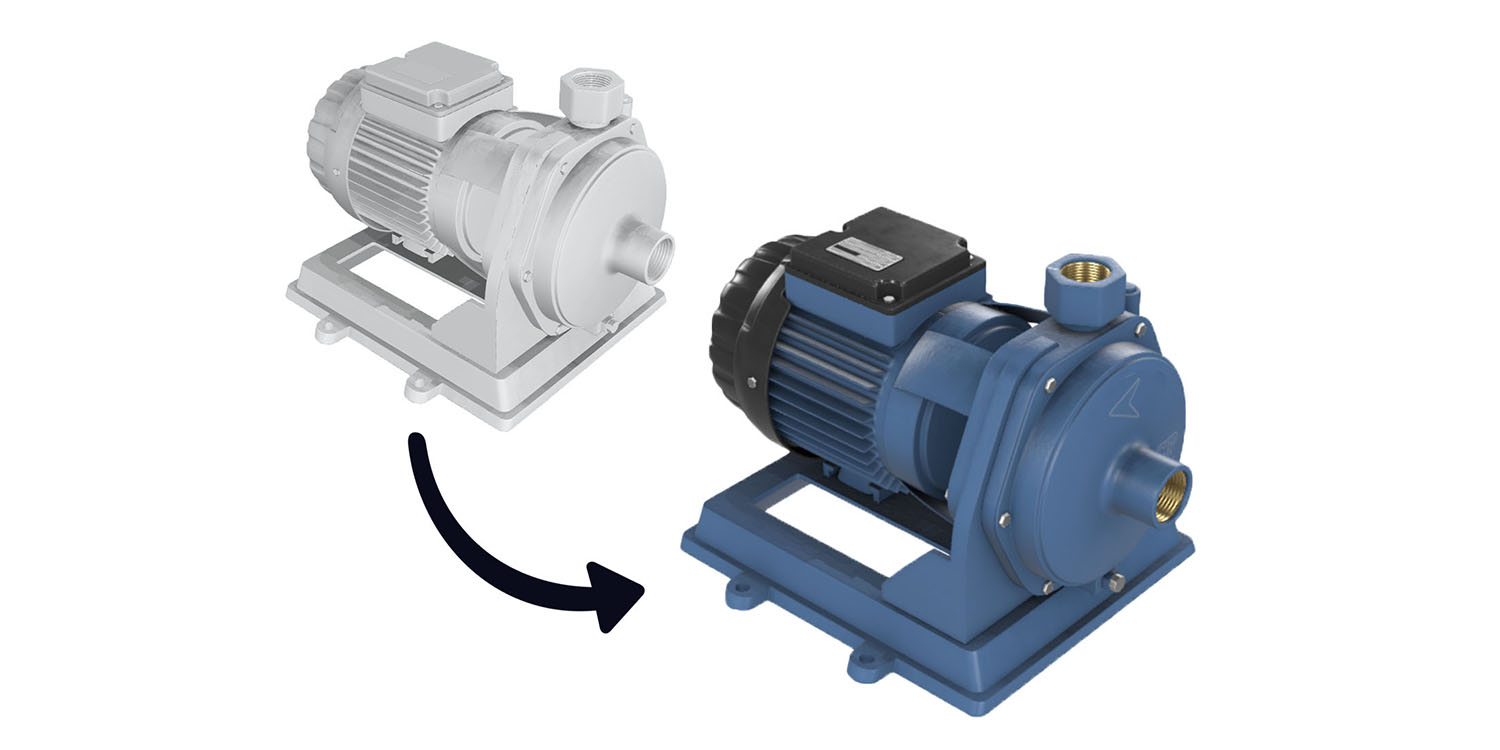
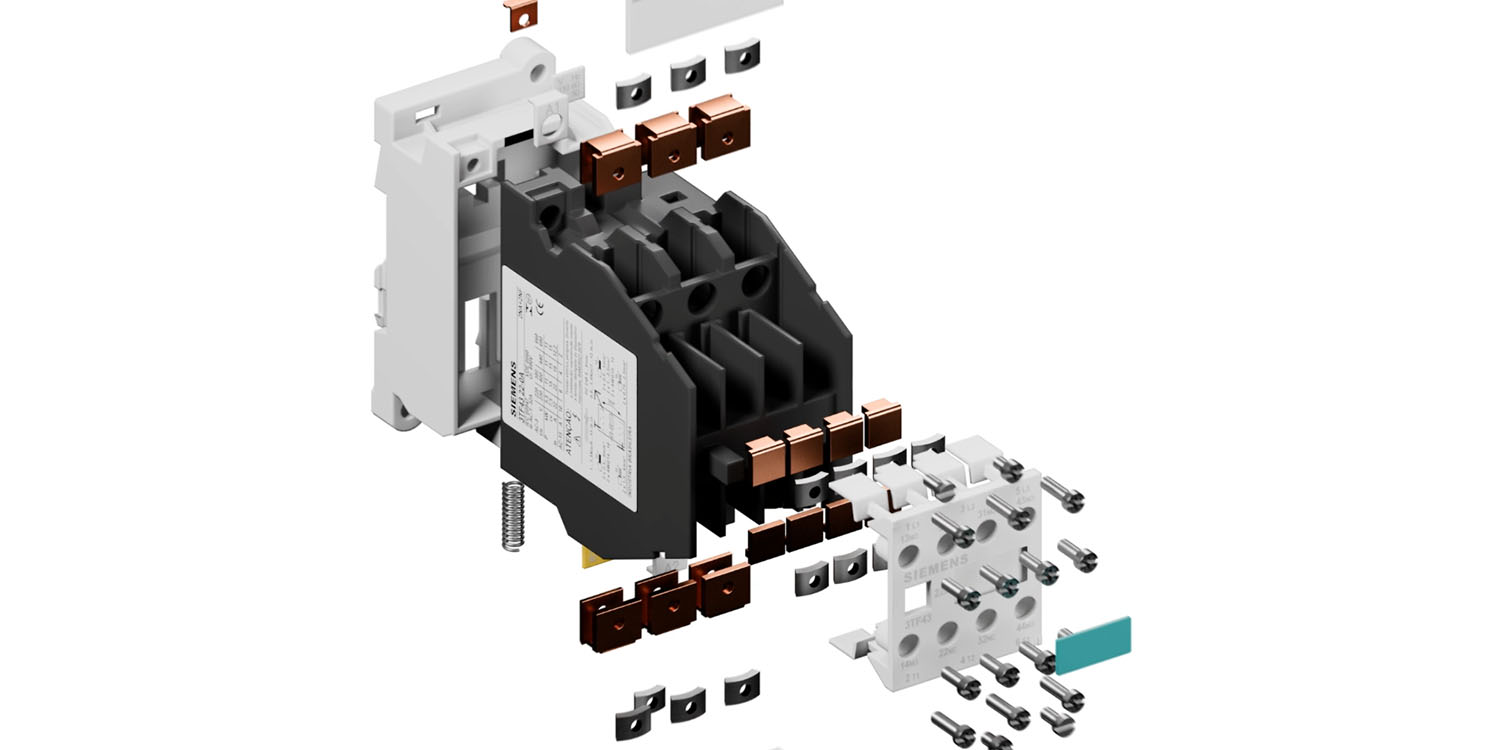
Animations
Show every angle with 360° product spins, or reveal how components fit together with exploded animations.
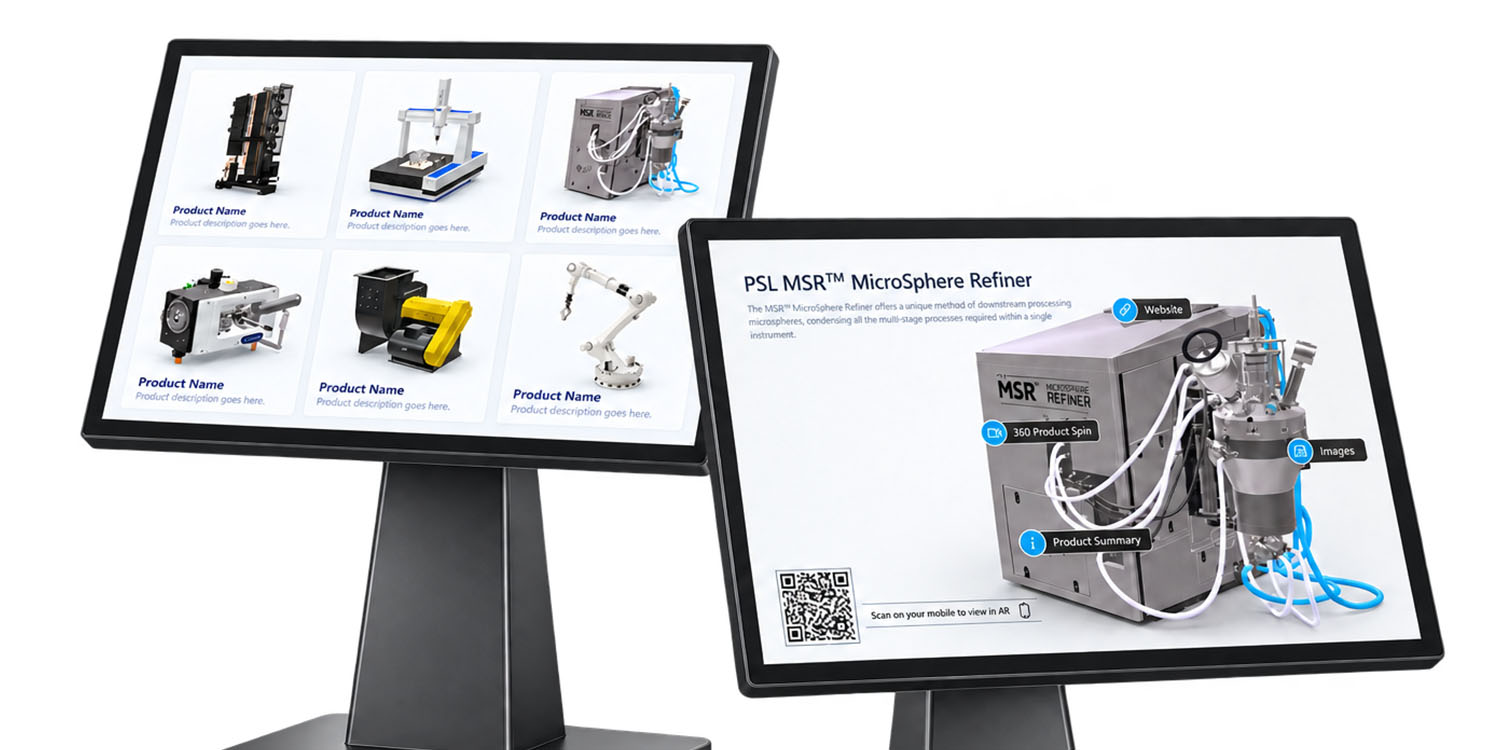
3D catalogues for
trade shows
Build interactive product catalogues in minutes.Present your range on trade show touchscreens, with offline access for reliable demonstrations.
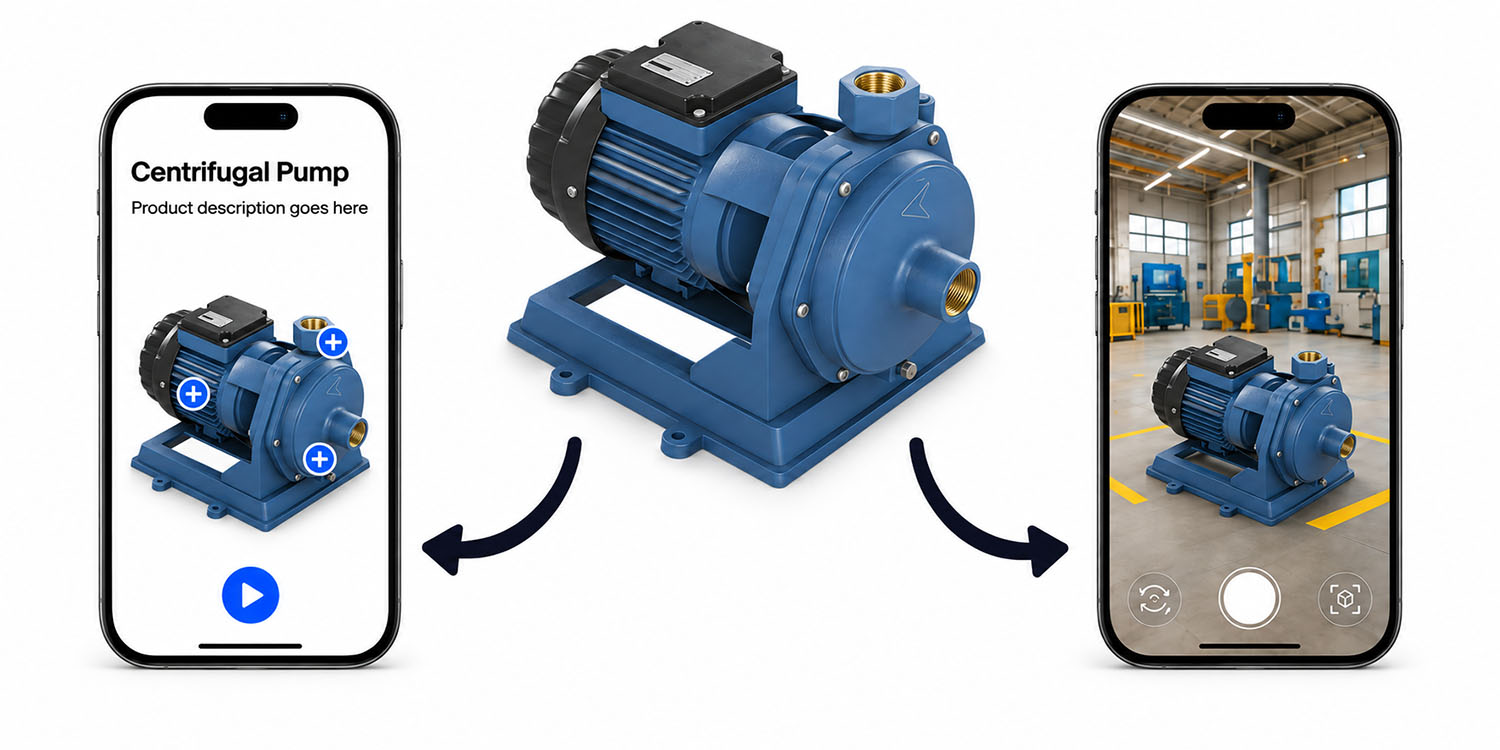
Mobile journeys with augmented reality
Scan a QR code to explore 3D products, specifications, videos and documents on mobile.Then view the product in your own space with augmented reality.
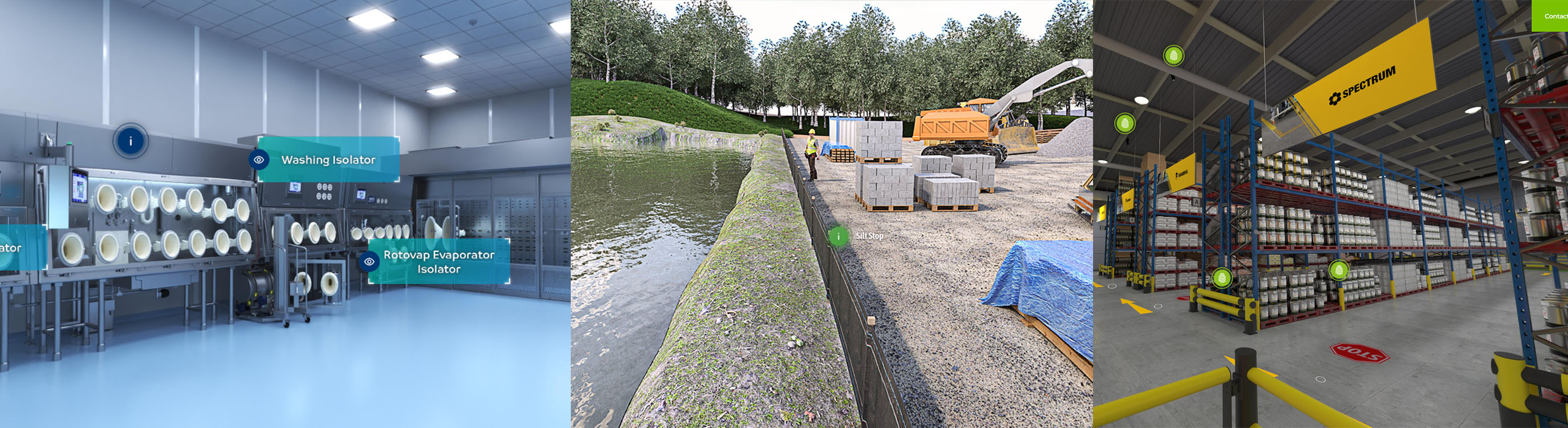
Apps: 3D virtual showrooms
Bring products, technical information and marketing content together in immersive virtual showrooms for customers, sales teams and distributors.
Frequently asked questions
3D product image rendering creates two-dimensional marketing images from a prepared three-dimensional model. The model can be presented from different angles with controlled materials, lighting, environments and backgrounds. Because the product remains as a reusable 3D asset, teams can create new images without photographing or rebuilding the product each time.
Engineering CAD first needs to be converted into a lightweight, marketing-ready 3D model. MarTech3D can automate that upstream processing, apply approved materials and complete a quality check. Once the model is ready, it can be used repeatedly for product image rendering and other outputs.
Yes. MarTech3D is designed for both individual and batch workflows. Teams can select large groups of approved products, apply saved rendering settings and queue the outputs for cloud processing. The practical batch size and delivery approach can be configured around the account and enterprise workflow.
No. Rendering is processed in the cloud, so users do not need a dedicated render workstation or high-end graphics card for routine production. The platform can be accessed through a standard supported browser.
The workflow is designed so marketing and product teams can create routine images using approved models and presets. Initial materials, scenes and brand standards may be prepared with support from MarTech3D or an experienced 3D user, but everyday image creation does not require traditional desktop rendering expertise.
Yes. Camera positions, lighting, environments and other approved settings can be saved for reuse. This helps teams create consistent images across product families, catalogues and recurring campaigns.
Yes. Depending on the required workflow, users can choose a background colour, use a transparent background, upload an image or work with an AI-generated background. Custom environments can also be prepared for branded or application-specific scenes.
Yes. Users can change the camera position for close-up detail images and hide or show selected parts to reveal internal components or create cutaway-style views. The available result depends on the structure and preparation of the underlying 3D model.
MarTech3D supports high-resolution image production up to 8K for standard supported workflows. Higher-resolution requirements may be available for enterprise accounts where the source model and use case are suitable.
Yes. Rendered assets can be downloaded, exported in bulk or connected to wider product-content workflows through supported integrations and APIs. The exact implementation depends on the systems, data structure, governance requirements and level of automation required.
MarTech3D supports direct sharing workflows for approved assets, helping teams move product imagery into social content more quickly. For enterprise governance, the preferred route may also involve sending assets through the company DAM or social publishing platform.
Yes. Teams can duplicate or reuse a product model with different approved materials, backgrounds, camera settings or campaign configurations.