INTERACTIVE 3D PRODUCT MODELS
Turn 3D Models into Interactive Experiences with Content Hotspots
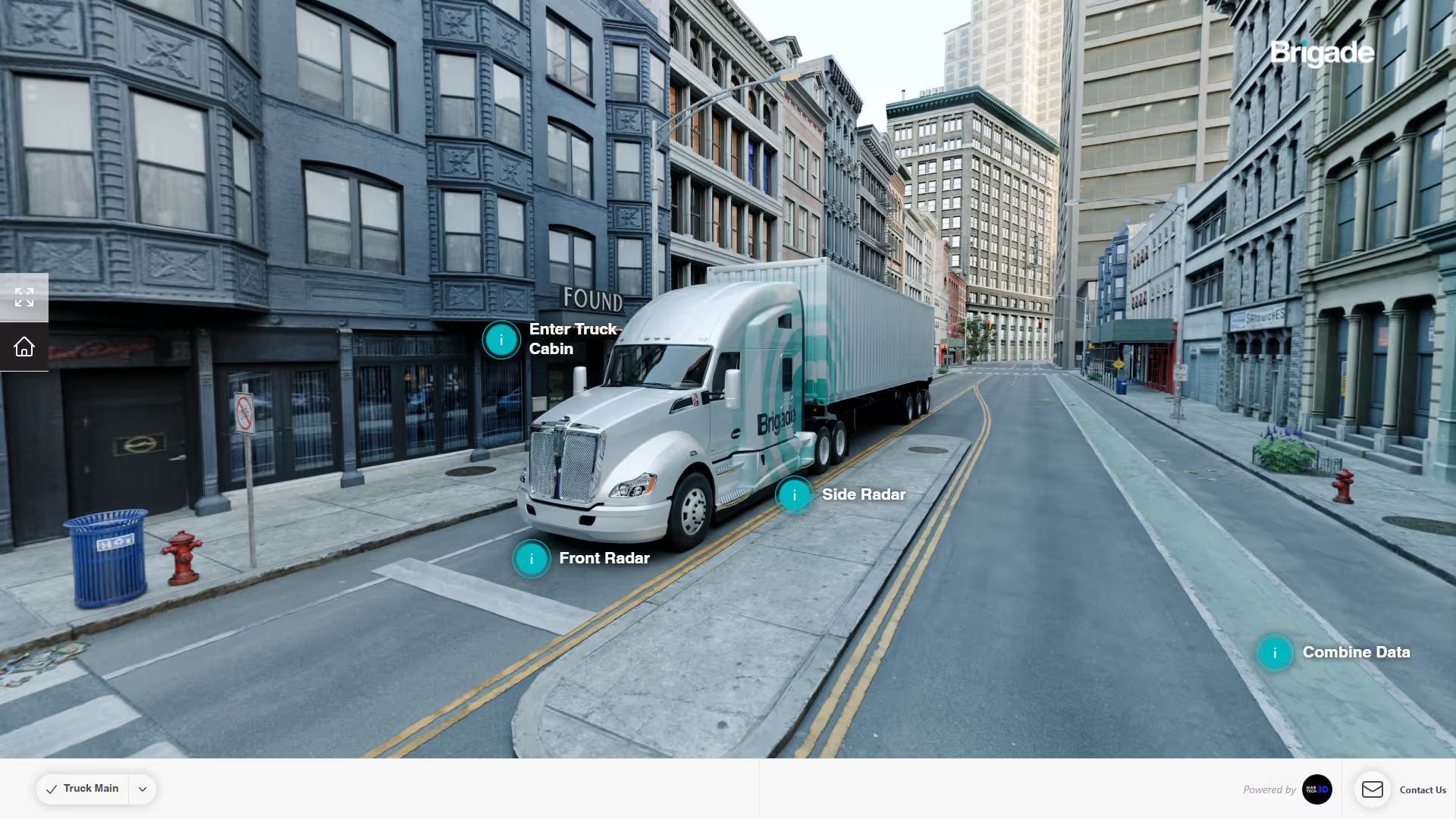
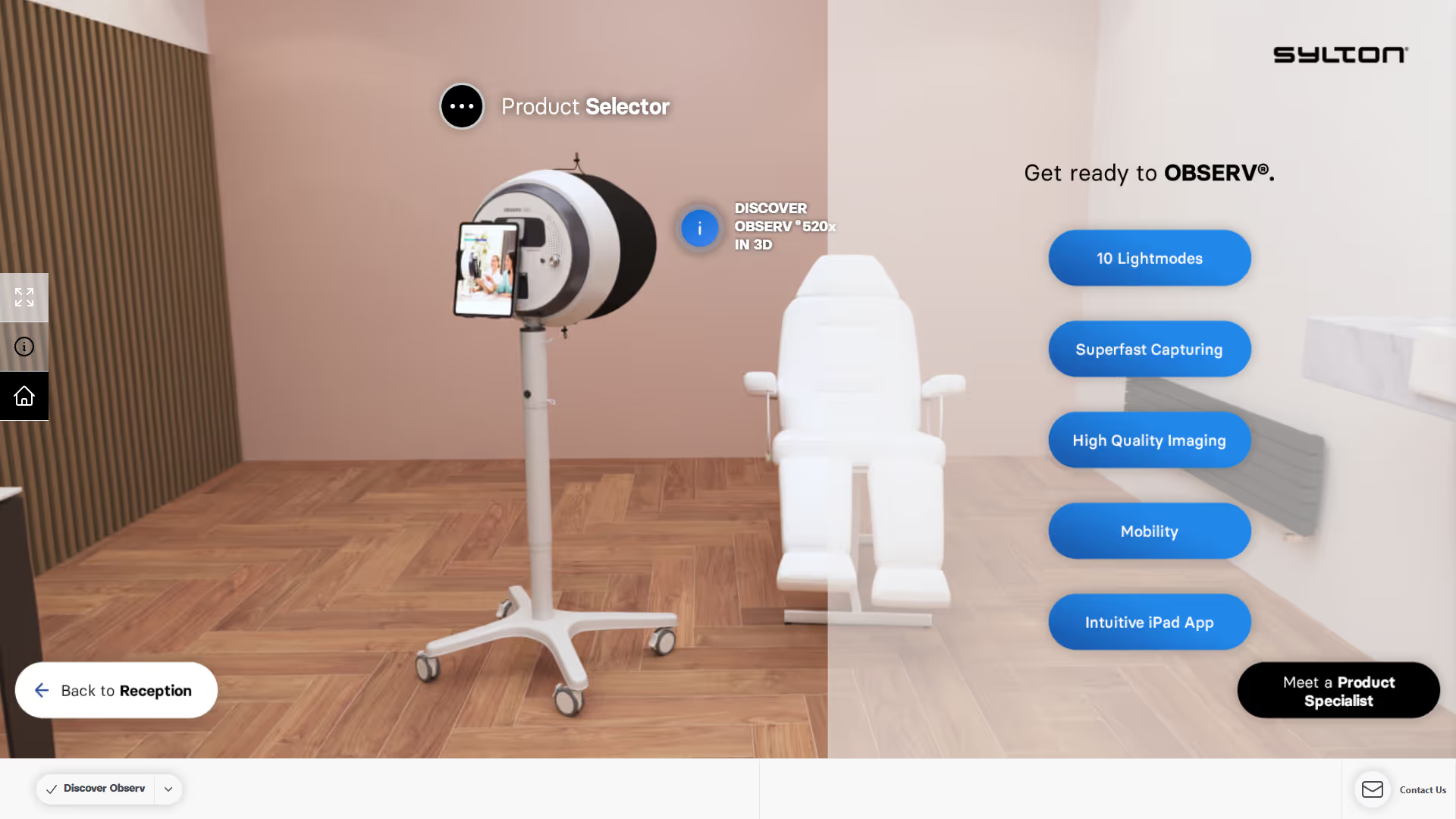
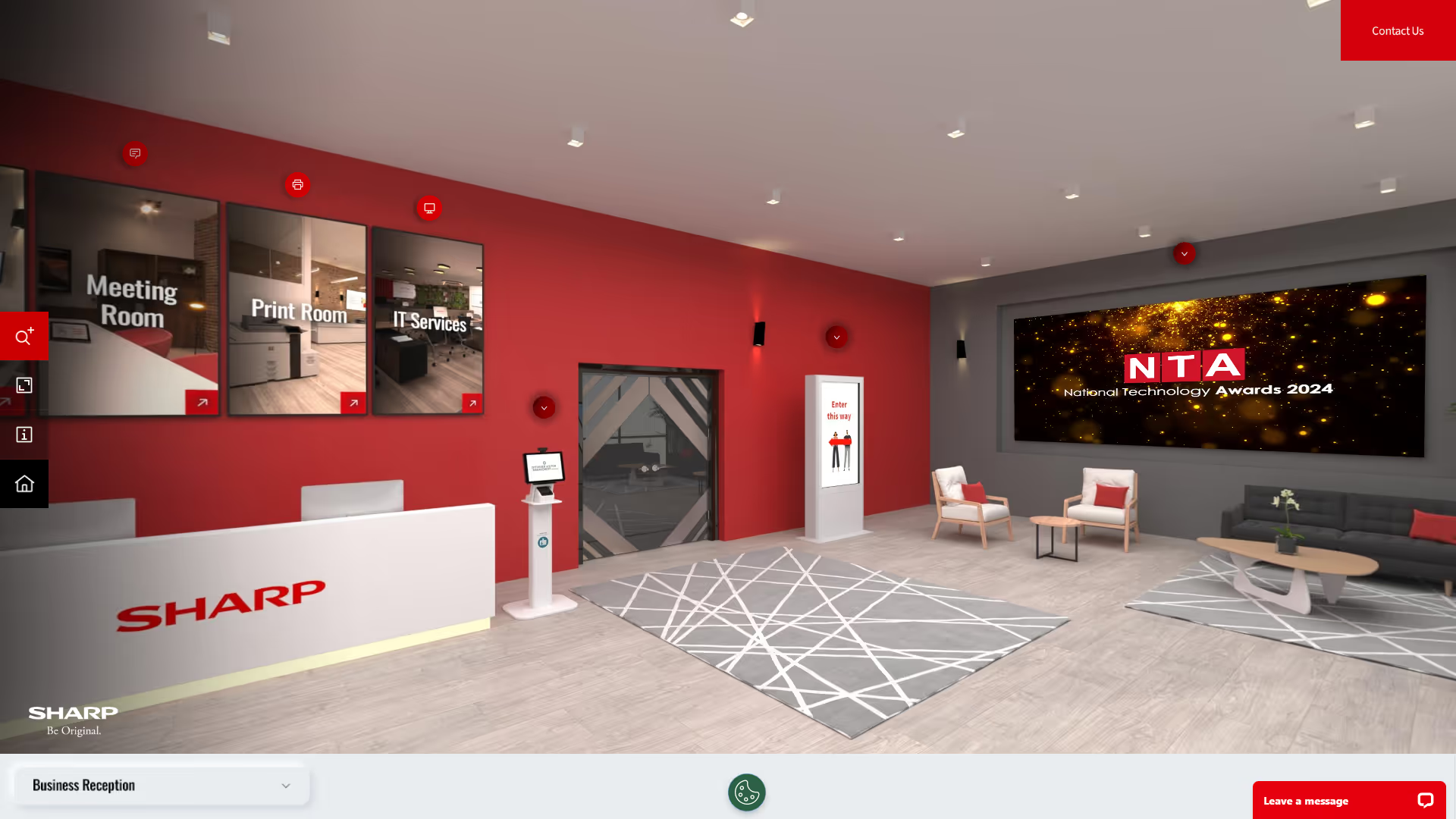
Highlight key features. Share rich product information. Engage buyers. All inside an interactive 3D model.
Engage longer • Show more detail • Increase conversions • Reduce support queries
LIVE 3D EXPERIENCEDEMO ROBOT ARM
Loading the robot. Drag to rotate, scroll or pinch to zoom.
TRUSTED BY LEADING GLOBAL MANUFACTURERS






MAKE COMPLEX PRODUCTS EASIER TO UNDERSTAND
Static Content Doesn’t Sell.
Interaction Does.
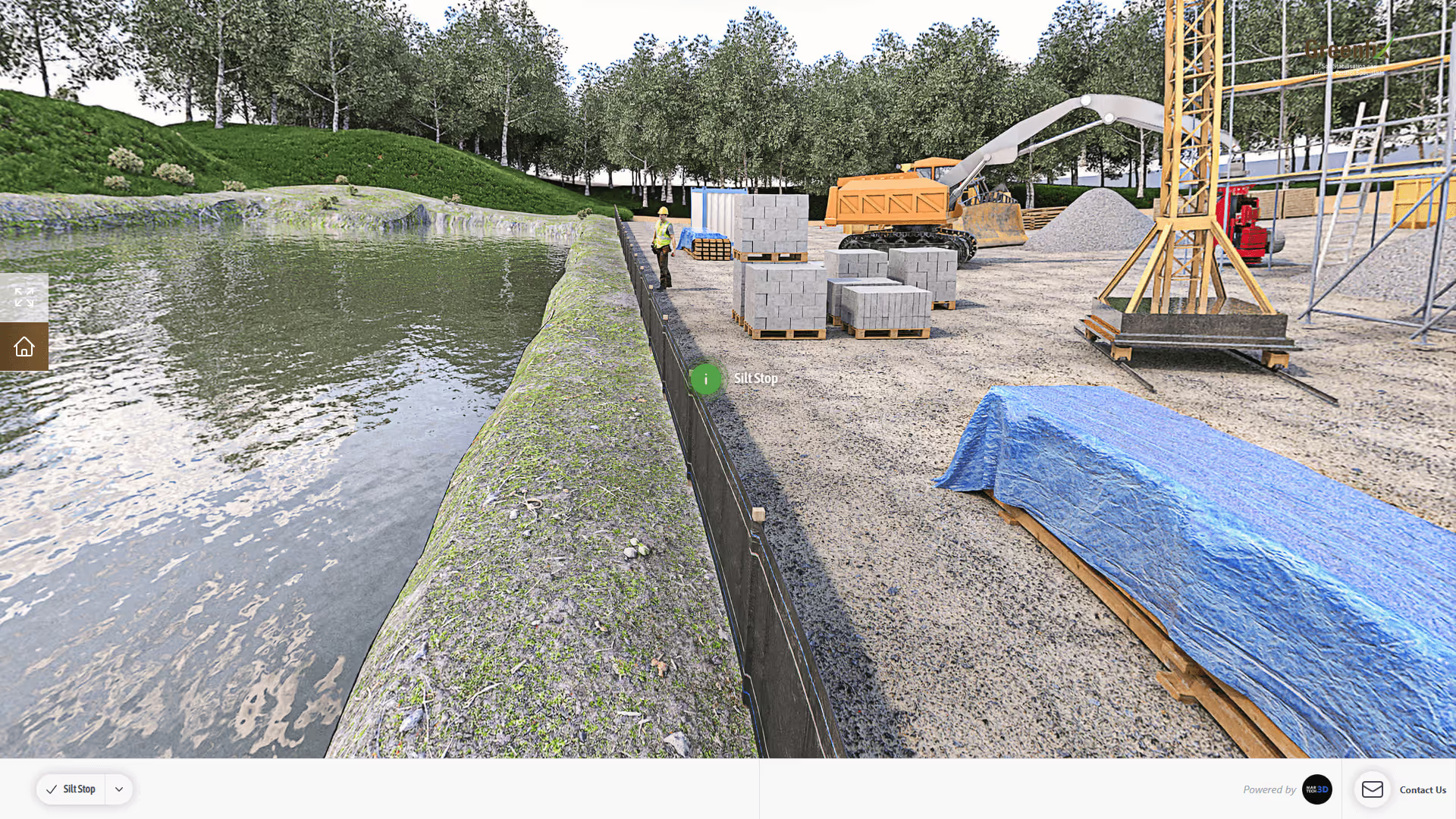
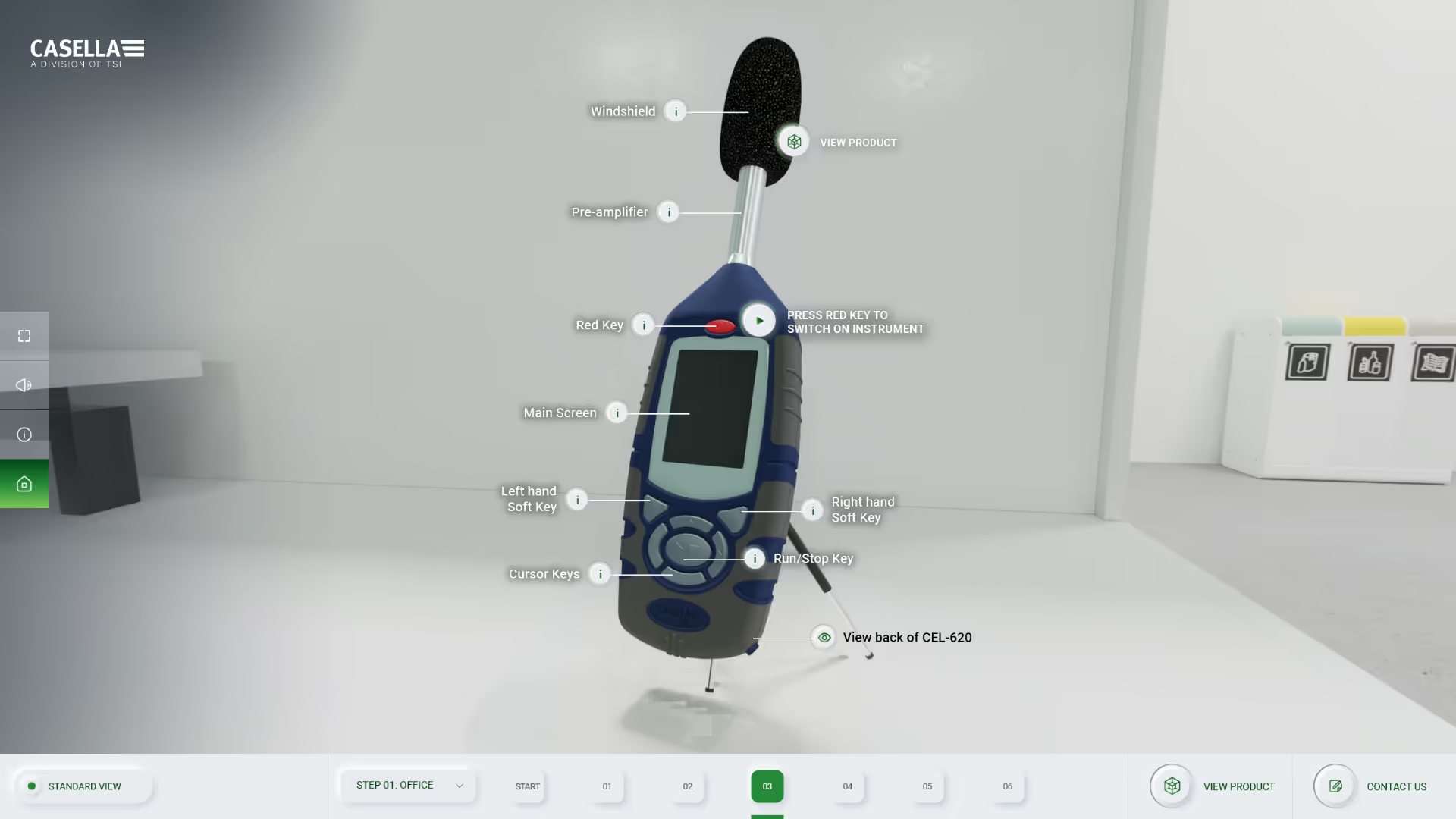
RICH PRODUCT INFORMATION, IN CONTEXT
Add Hotspots.
Share Exactly What Matters.
Fully Customisable
Match the experience to your brand and the way your audience explores your products.
- Choose hotspot style and icon
- Custom colours and labels
- Show / hide by device
- Control what users see
ENGAGE BUYERS. EXPLAIN MORE.
An Interactive Experience
Your Buyers Will Love
- Works on desktop, tablet and mobile
- Fast loading and smooth performance
- Track engagement with built-in analytics
High Efficiency
Watch in Action
Technical Specs
See It in the Field
FOR EVERY TEAM AND CHANNEL
Perfect for Every Use Case
DEPLOY EVERYWHERE. REUSE MORE.
One Product Experience.
Across Your Marketing Channels.
Share and Embed
Duplicate and Adapt
Manage Your Media
YOUR QUESTIONS ANSWERED
Frequently Asked Questions
What content types can I add to hotspots?
You can add text, image galleries, videos, PDFs or other documents, and website links such as product pages or contact forms.
Can I control the hotspot appearance?
Yes. You can choose hotspot icons, colours, borders, labels and visibility settings to match your brand and the needs of each use case.
Do hotspots work on mobile devices?
Yes. Interactive 3D models and hotspots are designed to work across desktop, tablet and mobile.
Can I track hotspot engagement?
Yes. MarTech3D can track how users interact with content so teams can understand engagement and optimise performance.
Is coding required to add hotspots?
No. Hotspots are configured within the MarTech3D platform, so marketing teams can manage content without relying on developers.
How many hotspots can I add?
You can add multiple hotspots to a model, depending on the experience you want to create and the amount of content you want to present.
Make Your Products Interactive.
Engage More. Sell More.
See how MarTech3D can help you turn 3D models into powerful, interactive buyer experiences.